
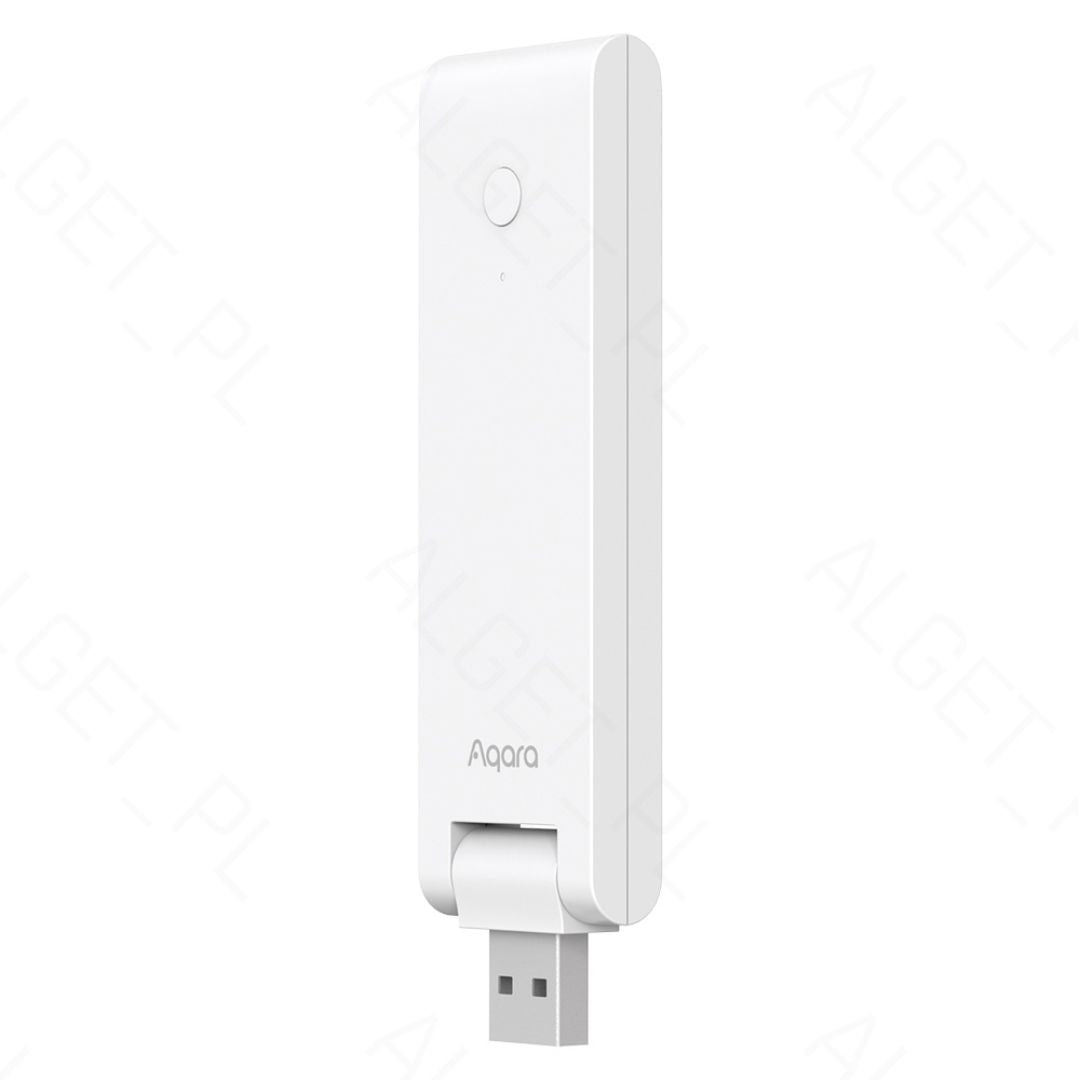
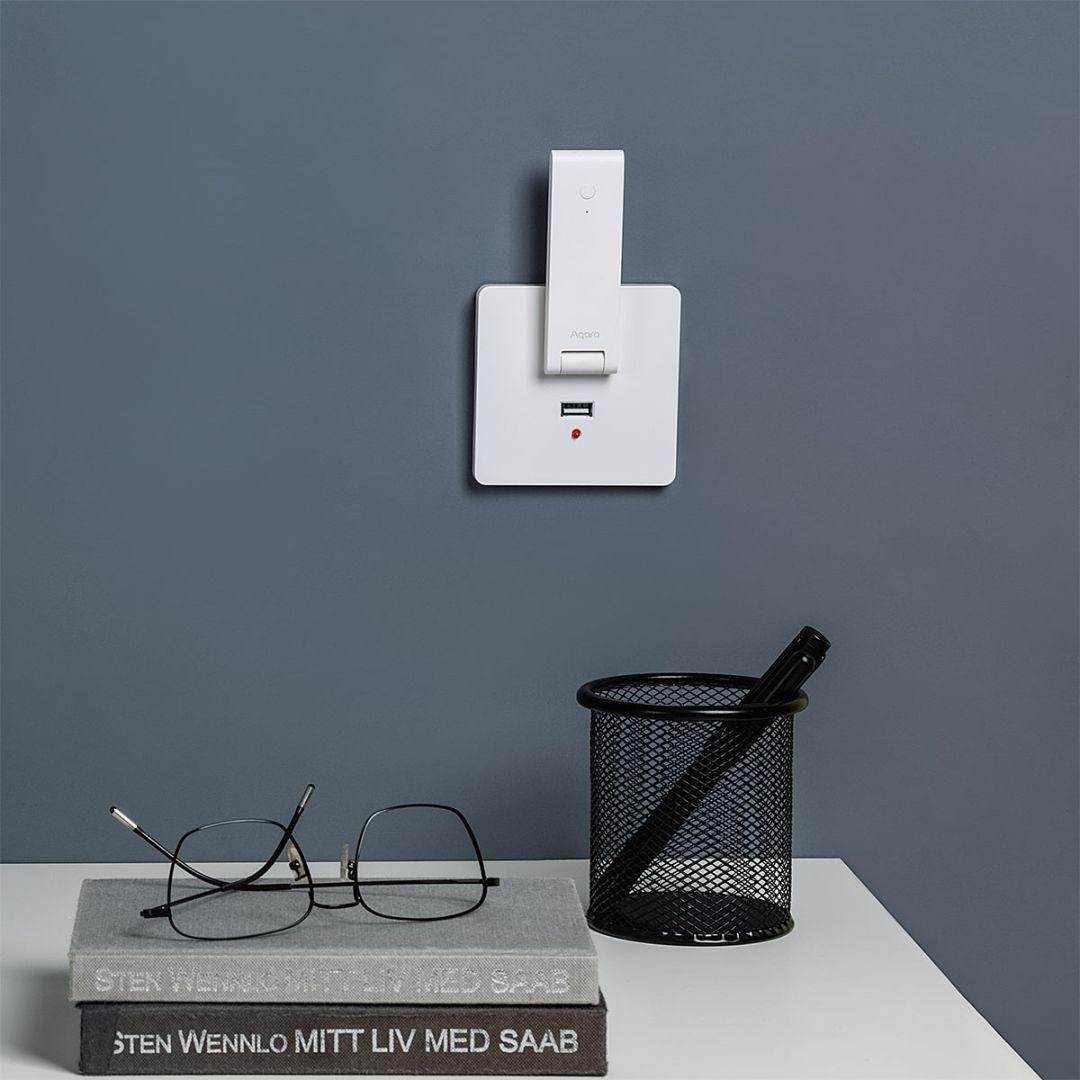
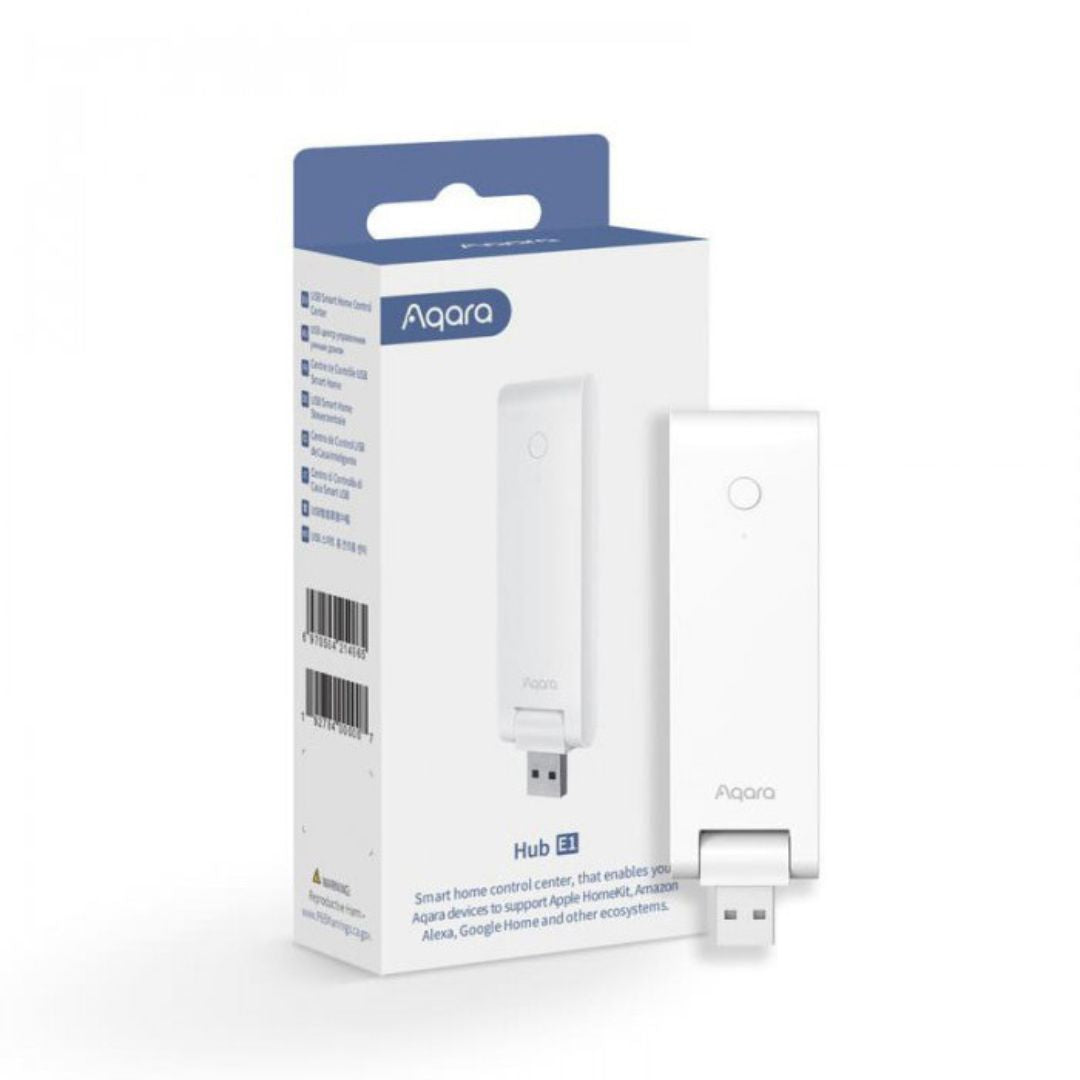
Aqara Gateway Hub E1 WiFi Repeater / Zigbee (USB dongle) - HE1-G01

AqaraSKU: AQHE1G01

Price:
Sale26,99€

Available for ✅ IMMEDIATE DELIVERY. 🚚 Receives 🇬🇧 Monday, September 7th

In-store pickup available at SMARTIFY.PT (Odivelas)

Usually ready in 1 hour

Description

Gateway, Hub E1 WiFi / Zigbee (USB dongle) - Aqara

The Hub E1 from Aqara is an essential smart device for creating a connected and efficient home ecosystem. In addition to supporting a wide range of Aqara devices and offering compatibility with various smart home ecosystems, such as Apple HomeKit, Amazon Alexa and Google Assistant, it also acts as a WiFi and Zigbeerepeater, expanding the WiFi network coverage and making the connection more stable for other devices. Its power supply via USB provides flexibility in installation, while its compact and portable design allows you to place it anywhere in the house. With the Aqara Homeapp, users can easily control their devices, receive notifications and monitor the status of the home, ensuring convenience and security at all times.

Product features:

Brand: Aqara
Model: HE1-G01
Communication Protocols: Zigbee 3.0; Wi-Fi IEEE 802.11 b/g/n 2.4 GHz
Max. number of connected devices: 128 (Zigbee); 2 (Wi-Fi)
Power supply: 5V / 0.5A
Operating temperature: -10°C ~ 40°C
Operating humidity: 0 ~ 95% RH, non-condensing
Dimensions: 108 x 30 x 8 mm

Notes:
This Aqara Hub E1 is the EU version (intended for use with the EU server).

It can be used with the Aqara Home App, available for Android or iOS.

This Hub is not an end device and cannot be controlled by third-party ecosystems.

This Hub can function as a HomeKit bridge, which means that devices connected to it can be controlled by the HomeKit app. If you want to control the device remotely, not from your local WiFi / LAN home network, you will need an Apple TV (with tvOS 10.2 or later) or an iPad (with iOS 10.3 or later) or HomePod configured as a home hub.

Includes:
1 x Aqara HE1-G01
1 x Instruction manual 

Barcode: 6970504214965
Reference: AQHE1G01

Complete your installation 👇🏼

Recently viewed 👇🏼