
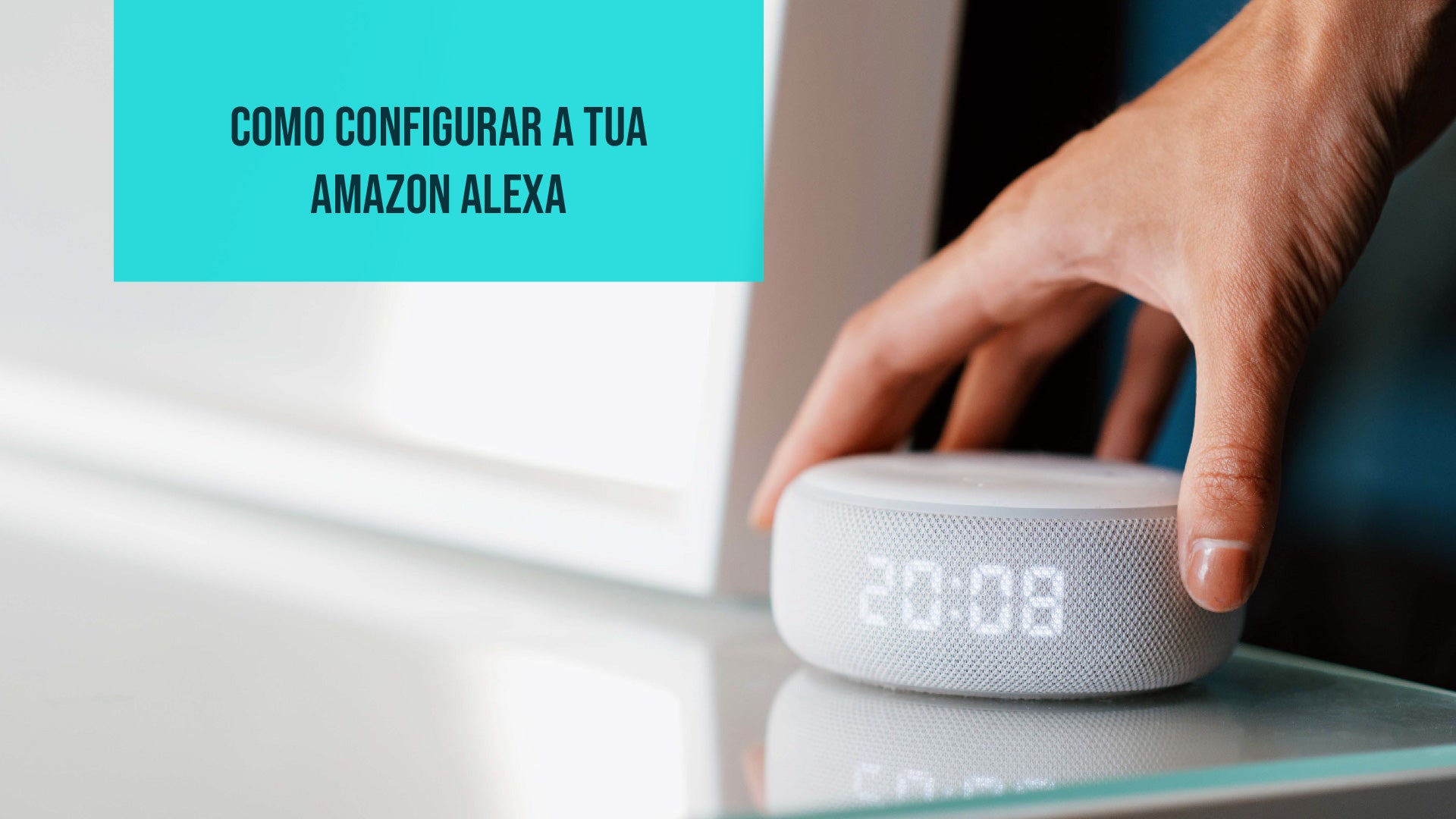
To start using your new Amazon Alexa, the first step is to set it up in the app. This process is essential to make the most of all the features and skills of this virtual assistant.
Through the dedicated app, you will be able to customize the settings, connect devices and explore a wide range of Skills that expand Alexa's capabilities. Before setting it up, it is important to understand the breadth of its capabilities.
Alexa is not just a voice-activated assistant. It is your daily companion, always available to make your life more efficient and fun. From controlling smart devices to providing useful information, Alexa can do a lot for you.
What is Amazon Alexa?
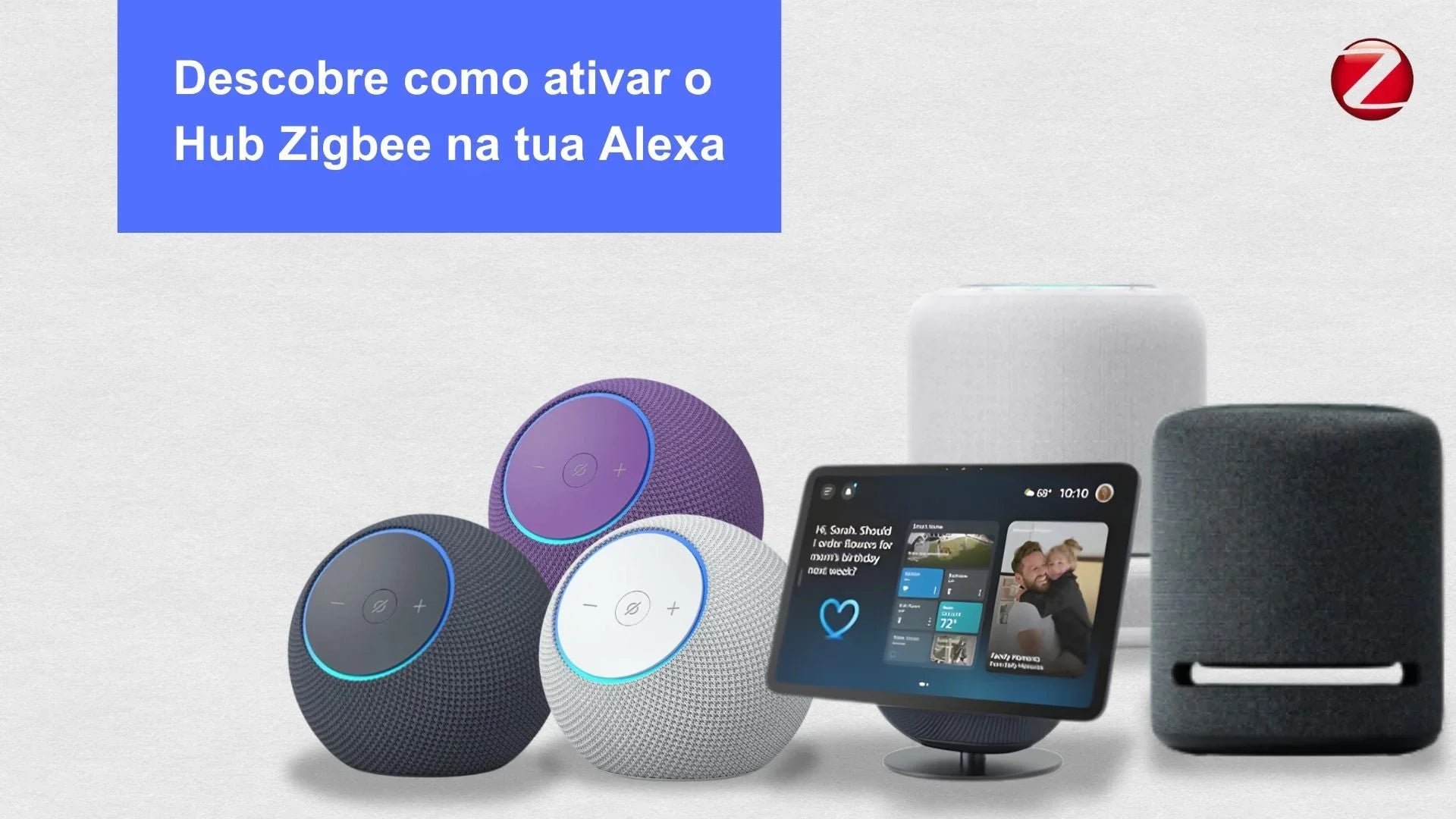
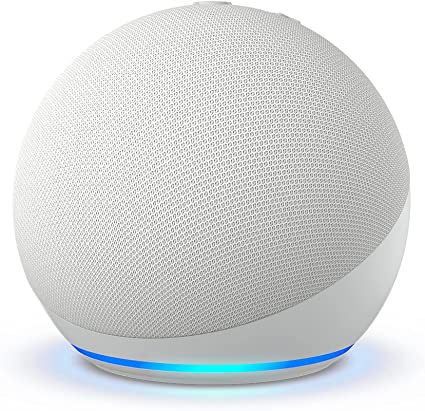
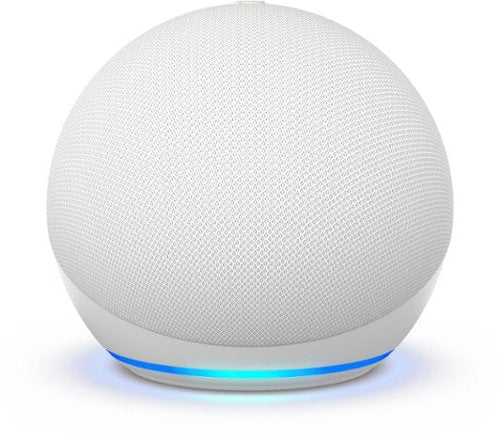
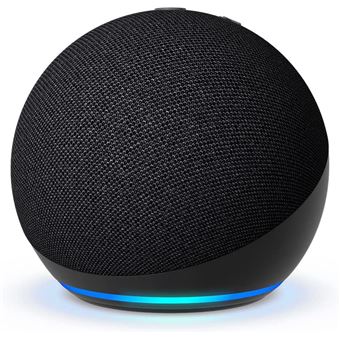
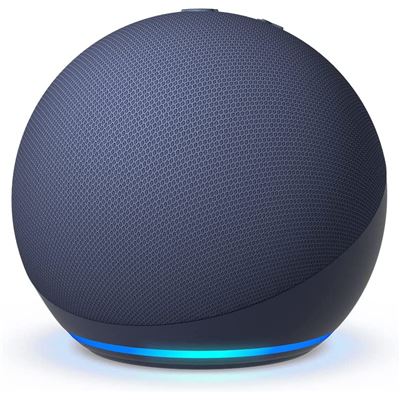
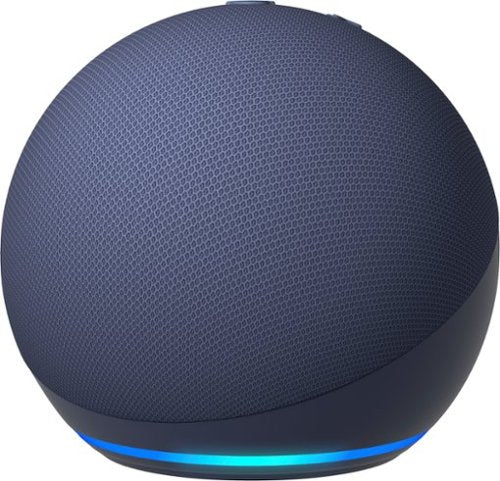
Amazon Alexa is a virtual assistant popularly accessed through Amazon's smart speakers, known as "Amazon Echo". The Echo line includes several versions, such as the Echo Dot, the Echo Show and the Echo Studio, each of these has varieties of models and color options. These devices have become an integral part of many homes, providing a convenient and interactive experience with the Alexa smart speaker.
In addition to being able to use Alexa with Amazon smart speakers, you also have the option to use it directly on your smartphone through the Alexa app, which is available for both Android and iOS. Furthermore, Alexa is available on non-Amazon devices, such as the Smartify Control Panel. This means you can enjoy the Alexa virtual assistant in various forms and devices, making it accessible and convenient for your daily life.

Alexa is a virtual assistant developed to perform a wide variety of tasks and respond to voice commands from users. Its list of skills is extensive and continuously updated. Here are some of the main features that Alexa offers:
-
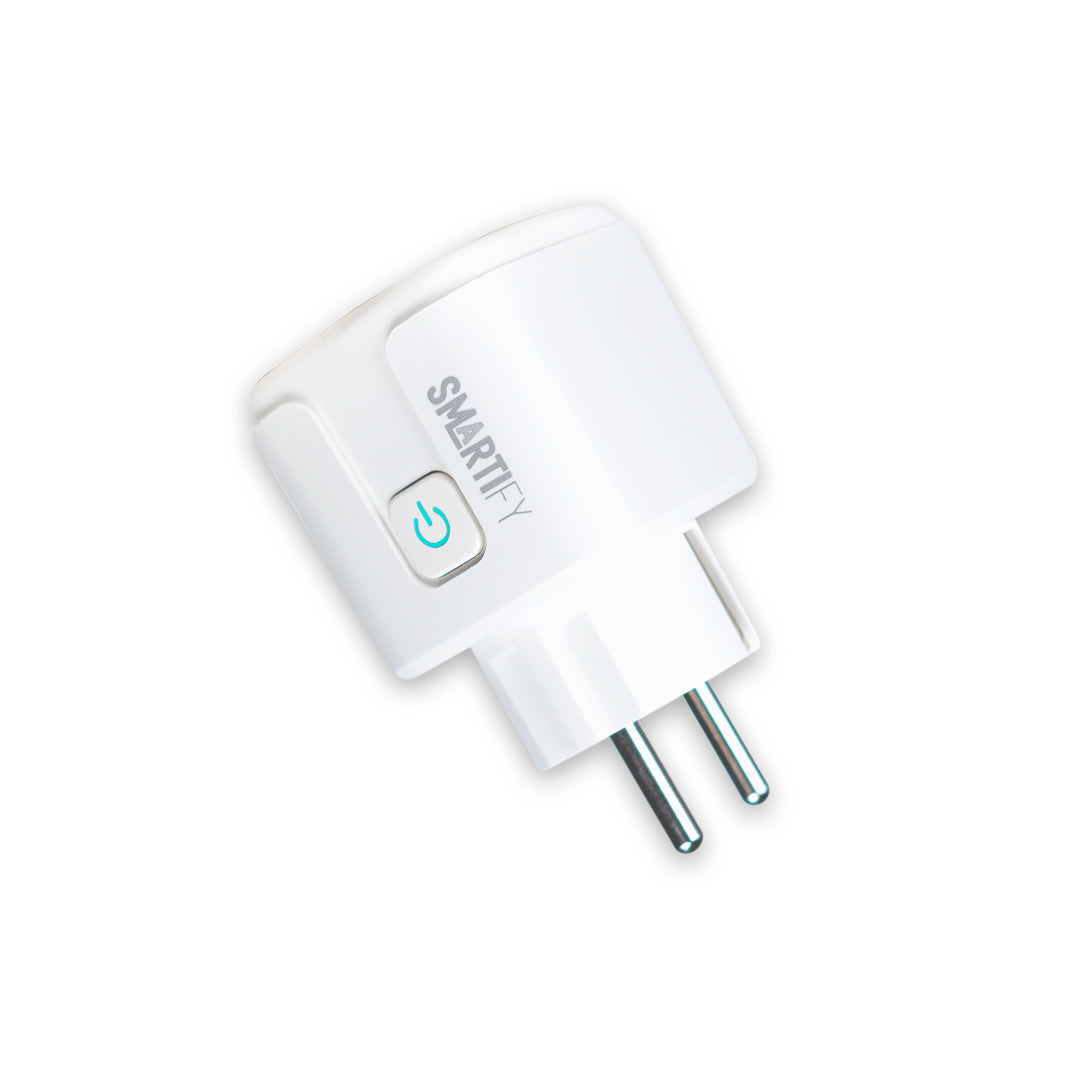
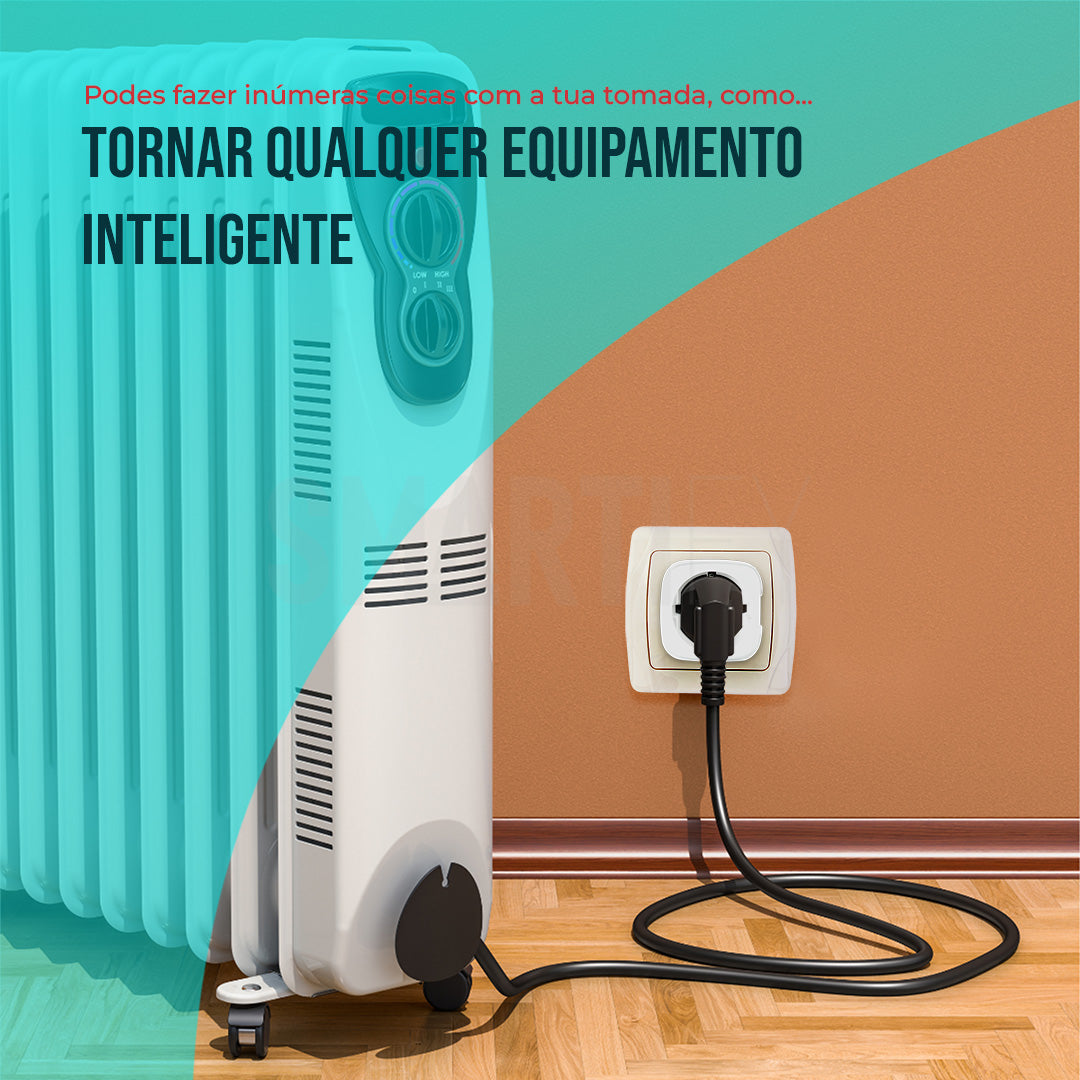
Control of Smart Devices: Alexa can control smart devices in your home, such as lights, thermostats, locks, and appliances, making your home automation more accessible and convenient.
-
Music and Entertainment: You can ask Alexa to play music, create playlists, adjust the volume and even choose the music you want to hear. She can also provide information about artists and songs.
-
Real-time Information: Alexa can provide updates on the weather, news, traffic and much more, helping to keep you informed.
-
Task Management: You can ask Alexa to create reminders, set alarms,, create shopping lists and even make phone calls.
-
Questions and Answers: Alexa can answer questions about a wide variety of topics, from mathematics and history to general information.
-
Games and Entertainment: She also offers various interactive games, jokes and stories to make your day more fun.
-
Custom Skills: By activating Skills (abilities), you can customize Alexa to perform specific tasks or integrate her with third-party services, such as ordering food, making restaurant reservations and much more.
How does Alexa work?
Amazon Alexa operates through an advanced voice recognition system. When you activate the device with the wake word "Alexa" (or another approved word such as "Echo"), the device starts listening carefully to your commands. From that moment on, all audio captured by the device is processed locally to identify that wake word.

Once the wake word is detected, the device enters an active listening state. Any question or command you make after activation is recorded and sent to Amazon's servers via a secure Internet connection. This is a critical step to ensure an accurate understanding of what was said, especially for more complex commands.
On Amazon's servers, the audio is converted into text using advanced speech recognition and natural language processing technologies. The system analyzes the resulting text to identify keywords and intentions. From there, the system looks for the appropriate response or action based on the command. This response or action is then sent back to the device in a matter of seconds.
It is important to note that Amazon Alexa does not store conversations from users. It only records and sends audio to Amazon's servers after activation with the wake word. Furthermore, Amazon has strict security measures and privacy policies to protect user data.
How to get started?
To get the most out of your new virtual assistant, you need to set it up on your smartphone. This initial step is fundamental so that the assistant can understand your needs and respond to your requests effectively. In the case of Amazon Alexa, setup is a simple process that allows you to transform your Echo device into a powerful tool to facilitate your daily life.
1. Install the Alexa App
To start your journey with Amazon Alexa, you need to have the Alexa application on your phone. You can install it through your app store (Apple Store or Google Play Store). After installation, open the application and log in with your Amazon account. If you don't have an Amazon account yet, you can easily create one.
2. Connect your Echo Device to your Home WiFi
After installing the application and logging into your account, it is also important to configure the Bluetooth connection of your Echo device, if you wish to connect to a phone. Here is how to do it:
-
Make sure the Bluetooth device (phone and built-in speaker) you want to pair is in pairing mode.
-
Open the Alexa app.
-
Select "Devices".

-
Choose "Echo & Alexa".
-
Select your Echo device.
-
Then, tap on "Bluetooth Devices" and select "Pair a New Bluetooth Device".
-
The app will start searching for available Bluetooth devices. When your Bluetooth device appears in the list, select it to start the pairing process.
-
Follow any additional instructions that may appear in the app to complete the pairing.
Now, your Echo device will be paired with the selected Bluetooth device. This will allow you to play music or use hands-free functionality with your phone.
Remembering that, after the initial pairing, some Bluetooth devices may connect automatically to your Echo when they are within range. To disconnect or reconnect a Bluetooth device later, you can do so directly through the Alexa app.
3. Turn on the Microphone
Amazon Alexa responds to voice commands, so remember to keep the microphone turned on. You can ask questions, give commands, or even ask her to tell a joke. Alexa is always ready to listen.
Explore Skills
Personalization is a fundamental feature of Amazon Alexa, and this is possible thanks to "Skills". Skills can be compared to apps that expand the capabilities of your virtual assistant. With them, you can adapt Alexa to your specific needs and preferences.
What are Alexa Skills?
Skills are like additional abilities or functions that you can add to your Alexa. They allow your assistant to perform specific tasks, from playing music from specific services to providing personalized information.
How to Find and Use Skills:
To discover and use Skills on your Alexa, follow these steps:
-
Open the Alexa app on your mobile device.
-
In the main menu, select "More".
-
Choose the option "Skills & Games".
-
Here, you will find a list of available Skills that you can add to your Alexa. You can explore categories like music, education, news, entertainment and much more.
-
If you already know the name of a specific Skill you want to add, you can search for it in the search bar.
-
When you find a Skill you like, simply select it and then "Enable". Some Skills may need additional configuration.

Examples of Popular Skills:
-
"News": With this Skill you can easily listen to the latest news of the day.
-
"Music": Skills from streaming services like Spotify, Amazon Music, or Apple Music to listen to music.
-
"Recipes": Here you will have recipes and step-by-step instructions at your disposal for cooking.
-
"Games & Trivia": For fun and entertainment, you can add game Skills or Q&A challenges.
-
"Fitness": These Skills guide you with fitness exercises and routines.
Personalization through Skills makes your experience with Amazon Alexa unique and tailored to your preferences. With these additions, your virtual assistant can do much more than just respond to basic commands. Try different Skills to see how they can improve your interaction with Alexa and make your daily life more convenient and fun.
Examples of automations
One of the most loved features of Alexa is the ability to wake you up in the morning. You can say something like "Alexa, wake me up at 7 am" and she will do the rest. She will not only wake you up at the right time, but she can also provide weather updates, read you the news, play music, and much more. You can also create automations with the help of other smart devices:
1. Personalized Welcome: Set up Alexa to welcome you when you get home by saying something like "Welcome back, [your name]". She can also turn on the lights and adjust the temperature for your comfort.
2. Lighting Control: Create automations to turn your smart lights on and off at specific times or with voice commands. For example, "Alexa, turn on the living room lights" at dusk.
3. Personalized News: By saying "Good morning," Alexa can provide you with a summary of the main news or traffic information to keep you updated before you leave for work.
4. Leaving Commands: Set up a "Goodbye" routine that turns off all the lights, locks the doors and adjusts the thermostat when you leave the house.
5. Breakfast Music: When you say "Good morning", Alexa can start your favorite music and gradually increase the volume to help you wake up.
6. Kettle Control: If you have a smart kettle, you can program Alexa to heat the water automatically at certain times or when you say "Alexa, heat the water".
7. Recipes and Shopping List: Ask Alexa for a recipe and, if you like it, she can automatically add the ingredients to your shopping list.
8. Home Cinema: Set up a routine for movie nights at home. Say "Movie Night" and Alexa can dim the lights, adjust the TV and start streaming your favorite movie.
9. Activate "Do Not Disturb" Mode: With a simple command, like "Bedtime", Alexa can silence notifications from your devices during the night.
10. Pet Care: If you have pets, Alexa can remind you to feed them and even dispense the food at the correct time.

These are just a few ideas of how you can personalize your experience with Amazon Alexa through smart automations. With Alexa, your home becomes more efficient, convenient, and personalized to your lifestyle.
Meet the Available Amazon Alexa Models
Amazon offers a variety of Echo devices to choose from, each with its own unique features. Here are some of the available models:
-
Echo Dot Generation 3: Compact and efficient, this device is available in black, plum and white and is perfect for smaller spaces.
-
Echo Dot Generation 5: With a modern design and available in white, blue and black, this Echo Dot is a versatile choice.
-
Echo Dot Generation 5 w/ Clock: The same functionality as the Echo Dot 4, but with an integrated clock, available in white and blue.
-
Echo Pop: This device offers high-quality sound in a compact form and is available in white, black, lavender and green.
-
Echo Studio: If you are looking for an immersive audio experience, the Echo Studio in black is the right choice.
-
Echo Show 5 2nd Generation: Compact and efficient, the Echo Show 5 combines visual information with audio, making it ideal for smaller spaces. It is available in white, blue and black.
-
Echo Show 8 2nd Generation: If you are looking for a larger screen for an immersive experience, the Echo Show 8, in black and white, is the perfect option.
-
Echo Show 10: With a rotating screen, the Echo Show 10 is always ready to show you what you need. Available in white and black.
-
Echo Show 15: A newer version with a larger screen, available in black.
- Echo Auto: This compact smart speaker is ideal for use in your car to have Alexa's help on the go.

Each of these devices has its own advantages and features that suit your lifestyle and your needs. Talk to us to understand which model is ideal for you.
Amazon Alexa is a truly incredible personal assistant that can make your life easier and more fun. From controlling smart devices to managing daily tasks, she is ready to help you at all times. Start exploring the world of Alexa today and discover how she can make your life smarter.
We are here for you!
Any more questions about home automation and other smart devices? Get in touch with us now and we will be happy to clarify all your questions about home automation.
Now, you are one step further towards having a smart home fully customized according to your preferences.



1 review
Carla badalo
Estas informações foram muito úteis para perceber qual a melhor de acordo com as suas características e as nossas necessidades adorei