
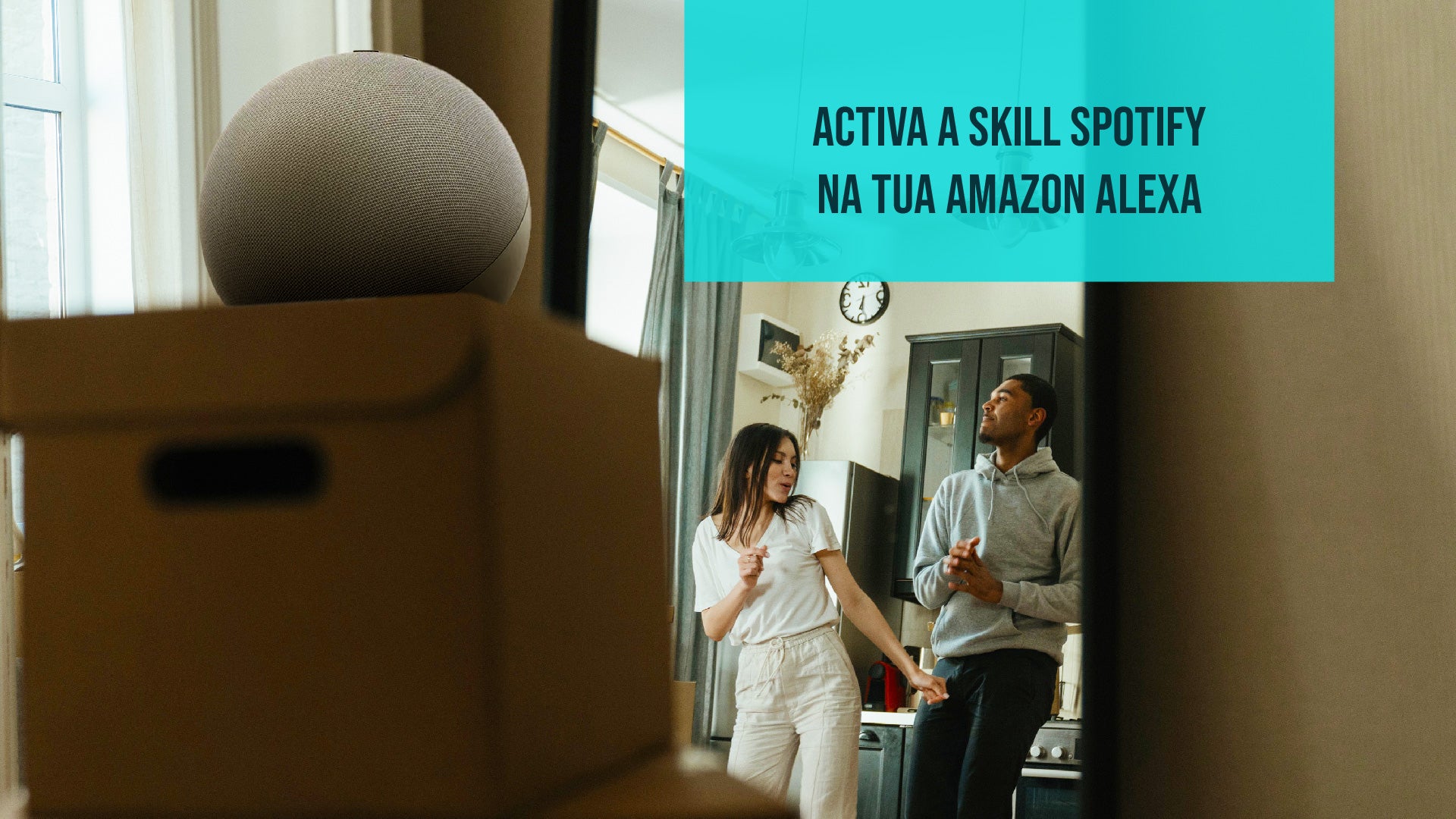
The Spotify Skill on Amazon Alexa is one of the most popular and beloved by users. With it, you have the world of music at the reach of your voice.
You can not only listen to your favorite playlists and songs, but also take advantage of a series of fantastic features for a musical experience that is truly personalized.
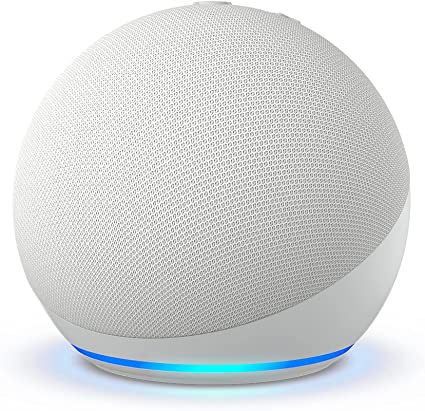
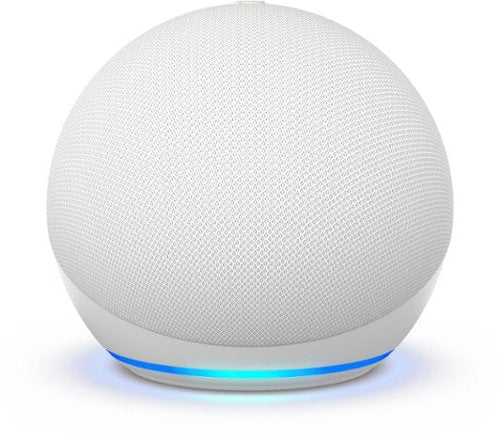
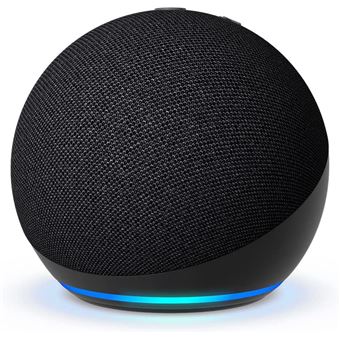
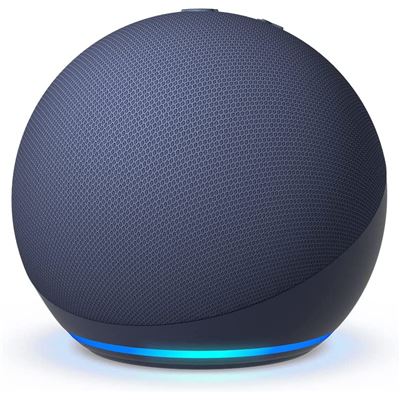
These are just some of the qualities present in Amazon Alexa. This smart speaker emerges as one of the assistants activated by voice most impressive and useful. Endowed with artificial intelligence and connectivity, Alexa is more than a mere machine; she is a digital friend ready to transform your life.
The World of Skills
Alexa, endowed with a vast collection of Skills, is remarkable due to her flexibility. Skills are, in a way, like small applications that expand the capabilities of the assistant.

Some of them give Alexa the power to control smart devices in your residence, providing a higher level of automation and practicality. Other Skills keep you informed about the latest news, traffic conditions and even offer entertainment options. These additional features make Alexa a truly versatile personal assistant adaptable to your daily needs.
Installing Skills on Amazon Alexa
Installing a Skill on Amazon Alexa is a simple procedure. You start by accessing the Amazon Alexa application on your device. From there, just navigate to the option "More" and then select "Skills & Games". It is in this space that you will have the possibility to search for the specific Skill you wish to add.
Once found, just activate it and, if necessary, personalize it according to your preferences. With this simple process, you will have the Skill ready to use with voice commands through your Amazon Alexa. This is an easy way to personalize your virtual assistant, adding features that best suit your lifestyle.
Region Restrictions
It is essential to understand that, although Amazon Alexa is a powerful virtual assistant, some of its Skills may not be available in all regions. This occurs due to geographical restrictions, which can be established by the Skill developers or by Amazon itself.

These region restrictions can be frustrating when we wish to use a specific Skill, such as Spotify, and encounter an error message informing that our region is not eligible. However, there is a solution to bypass this obstacle and still enjoy the desired Skill.
A common method is to change the region associated with your Amazon account. This can be done by accessing your Amazon account and adjusting the address settings to a location where the Skill is available. For example, if the Skill you wish to use is available in Brazil, you can temporarily configure your account to reflect a Brazilian address. After configuring the new region, you can access the Amazon Alexa app, log out and then log back in. With this, the Skills available in that new region should become accessible.
After installing the desired Skills, you can revert the region settings to your home country, and the installed Skills will remain intact. This is a way to overcome geographical restrictions and personalize the Amazon Alexa experience according to your needs and preferences. However, remember that this approach may not be compatible with all Skills, and it is essential to respect the regulations and policies of Amazon and the Skill developers when making these changes.
How to change the region in the Amazon Alexa app
To overcome region restrictions and install Skills that are not available in your country, you must adjust the region associated with your Amazon account. The process is relatively straightforward and can be performed as follows:

-
Log in to your Amazon account: Go to the Amazon website and log in with your credentials.
-
Access account settings: In the top right corner of the page, click on the "Account" option to access your account dashboard.
-
Navigate to "Digital Content and Devices": In your account dashboard, look for the "Digital Content and Devices" section and click on it.
-
Select "Devices and Content": Within "Digital Content and Devices", select the "Devices and Content" option. Here, you will find settings related to your digital devices and content.
-
Access "Preferences": In the "Devices and Content" section, look for and select the "Preferences" option. Generally, this is the area where you can adjust your account settings.
-
Change your address to an available region: In the "Settings - Devices/Region" section, you should find the option to edit your address. Change your address to a region where the Skill you want to install is available. For example, if the Skill you want to use is available in Brazil, set your address to a location in Brazil.
-
Confirm the changes: After adjusting the address, make sure to click "Update" or a similar option to save the changes to your account.
Once you have made these changes, you can access the Amazon Alexa app, log out, and then log back in. With the new region settings, the Skills available in that area should become accessible. Remember that this method can be useful for bypassing region restrictions, but it is important to use it responsibly and in compliance with the policies of Amazon and the Skill developers.

Using Spotify on Amazon Alexa
Now that your Amazon account is configured for a region where the Skill is available, don't forget to log out of the Amazon Alexa app and log back in. Your assistant will now be ready to access Spotify and other previously unavailable Skills.
How to install the Spotify skill on Amazon Alexa
Spotify is one of the most popular Skills on Amazon Alexa. This Skill allows you to play music, create playlists and control your musical experience using only voice commands. You can ask Alexa to play your favorite songs, specific albums or even explore new genres.
1. Check Eligibility Before we start, it is important to ensure that the Spotify Skill is available in your region. If it is not, you can follow the process of changing the region on your Amazon account, as explained previously.
2. Open the Amazon Alexa App Make sure you have the Amazon Alexa app installed on your mobile device and that you have already logged into your account from Amazon. If you don't have the application yet, you can get it at the Apple Store (for iOS devices) or at the Google Play Store (for Android devices).
3. Navigate to Skills & Games Inside the Amazon Alexa application, tap the "More" option in the bottom right corner. Then, choose "Skills & Games".
4. Search for the Spotify Skill In the search field, type "Spotify" and tap the magnifying glass to search. You will find the official Spotify Skill in the results list. Select the Spotify Skill.

5. Activate the Skill After selecting the Spotify Skill, you will see an option to activate it. Click on that option.
6. Log In to Your Spotify Account You will be directed to log in to your Spotify account. Enter your credentials (Spotify username and password) to link the two accounts.
7. Authorize the Skill After a successful login, you will be asked to authorize the Spotify Skill to access your account. Make sure to grant the necessary permissions.
8. Set Spotify As Your Default Music Service To simplify the music playback process, you can set Spotify as your default music service. To do this, go to the Settings section in the Amazon Alexa application and select "Music" and then choose Spotify as your default service.
Now, your Amazon Alexa is ready to play music directly from Spotify. Just say "Alexa, play [song name or playlist] on Spotify" and the music you choose will start playing. Enjoy your favorite music with simple voice commands!
Customization and Usage
When you have the Spotify Skill installed on your Amazon Alexa, you have a world of music at your fingertips. This combination allows you to enjoy music with convenience and total control. Let's explore some of the features and customizations you can enjoy:
1. Play Music with Voice Commands: With the Spotify Skill, you can simply say "Alexa, play [song name]", "Alexa, add [song name] to the queue" or "Alexa, play the playlist [playlist name]" to start the desired music. This means you can keep your hands free and the music you like playing.
2. Simple Volume Control: If the music is too low or too high, just say "Alexa, turn up the volume" or "Alexa, turn down the volume" to adjust the sound level at any time.

3. Creation of Personalized Playlists: With the Spotify Skill, you can create personalized playlists. For example, you can create a playlist called "Gym songs" and add your favorite tracks to motivate you during your workout.
4. Add Songs to the Playback Queue: If you find a song you like but don't want to interrupt the current track, you can say "Alexa, add this song to the queue" and it will be played as soon as the current song ends.
5. Explore New Music: You can ask Alexa to surprise you. Say something like "Alexa, recommend me new music" and she will play tracks based on your musical preferences.
6. Control Music on Multiple Devices: If you have multiple Echo devices at home, you can control the music on all of them. For example, you can ask Alexa to "play music everywhere" and you will have the same music playing on all compatible devices.
7. Integration with Your Spotify Playlists: The Spotify Skill on Amazon Alexa is linked to your Spotify account. This means that all your playlists and favorite songs on the platform are ready to be played with voice commands.
8. Access Spotify Premium: If you are a Spotify Premium subscriber, you can access all premium features, such as ad-free playback and downloading songs to listen offline, through your Spotify Skill on Amazon Alexa.
In short, the Spotify Skill on Amazon Alexa is a fantastic way to explore and enjoy your favorite music with ease and personalization. You can tailor your musical experience according to your preferences and, with just a voice command, your music will be ready to play. It is a convenient and engaging way to enjoy your favorite music at home.
More skills
Amazon Alexa opens the doors to a vast world of possibilities thanks to its Skills. These small additions work like applications that enrich the functionality of your virtual assistant, making it a true ally in your daily life.

When it comes to staying informed, the "News" Skill is a popular choice. It allows you to easily access the latest news and updates with just a voice command, keeping you always up to date.
For music lovers, "Music" Skills are an obvious choice. In addition to Spotify, you can connect streaming services like Amazon Music and Apple Music to create the perfect soundtrack for your day.
If you are an aspiring chef, "Recipe" Skills have everything you need. Here, you will find inspiration and step-by-step instructions to create delicious dishes in your own kitchen.
When entertainment is the keyword, there is no shortage of options. "Games and Trivia" Skills offer interactive fun, while "Fitness" ones guide you with exercises and routines to keep you in shape.
Amazon Alexa, with its wide variety of Skills, makes your day more convenient and fun. From the moment you wake up until bedtime, Alexa is ready to help you with a variety of tasks and activities. So, explore, try out and discover the Skills that best fit your needs and interests. With Alexa, your daily life will never be the same again.
We are here for you!
Any other questions about home automation and other smart devices? Get in touch with us now and we will be happy to clarify all your questions about home automation.
Now, you are one step further towards having a smart home fully customized according to your preferences.




2 reviews
Ana Carolina
Perfeito post!! Me ajudou demais
Solar panels portugal
Great insights on the versatility of Amazon Alexa and its Spotify Skill! It’s fascinating how these features can transform our music experience with just voice commands. The regional restrictions and solutions you provided are especially helpful for users looking to maximize their Alexa’s capabilities. Thanks for sharing these practical tips!