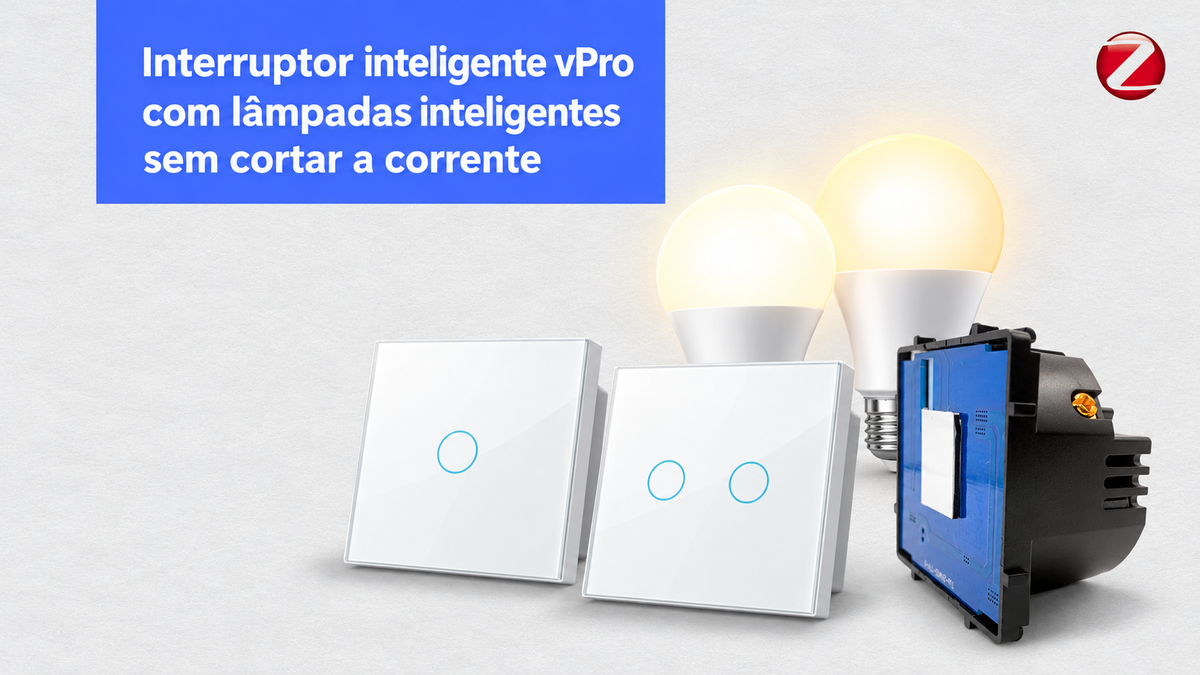
Como usar um Interruptor Inteligente vPro com Lâmpadas Inteligentes sem cortar a corrente

If you have smart light bulbs, cutting their power at the switch prevents control via the app, voice, and automations. The solution is to keep the light bulbs always powered and use the Smartify vPRO switch as a remote control through scenes.

Quick answer: in the vPRO Zigbee modules of this range, the SmartLife/Tuya app does not provide a setting called detached or decoupled. It is possible to achieve equivalent operation by changing the electrical connection and creating two automations: one to turn the light bulbs on and another to turn them off.

What does detached or decoupled mode mean?

In a switch with detachedmode, the physical button no longer cuts the power to the light bulb. Instead, each press sends only a digital command. The smart light bulb remains connected to the power and can respond to the app, voice assistants, and other automations.

How to get the same result with the Smartify vPRO

Important: this procedure modifies a 230 V installation. It must be performed by a qualified electrician, with the circuit disconnected and after confirming the absence of voltage. Do not use cable colors as the only form of identification.
  1. Keep the light bulbs with permanent power. The switched live (load wire) of the light bulbs is no longer switched by the relay and instead receives permanent live wire in a properly protected connection.
  2. Keep the vPRO module powered. The Zigbee modules indicated below require live wire and neutral to remain online and communicate with the hub.
  3. Correctly isolate the relay output. Since it no longer powers the light bulbs, the output must be terminated and protected inside the box, according to electrical best practices.
  4. Create the automations. The state of the button/relay of the vPRO becomes the trigger that turns the smart light bulbs on or off.
Switch vPRO
sends the state
→
Hub + automation
processes the command
→
Smart light bulbs
remain powered

How to create scenes in SmartLife or Tuya

Automation 1: turn on the light bulbs

  1. Open the SmartLife or Tuya app.
  2. Go to Scene or Smart and choose Create automation.
  3. In When device status changes, select the vPRO module and set the channel as On.
  4. In Execute, select all the desired light bulbs and set Turn on.
  5. Save the automation with a clear name, for example, “Living room switch — turn on”.

Automation 2: turn off the light bulbs

  1. Create a second automation.
  2. Use as a condition the same channel of the module vPRO in state Off.
  3. As an action, set all light bulbs to Turn off.
  4. Save it, for example, as “Living room switch — turn off”.

Test both states on the physical button and confirm that all light bulbs respond. If you have several channels, repeat the process for each lighting group.

What equipment is needed?

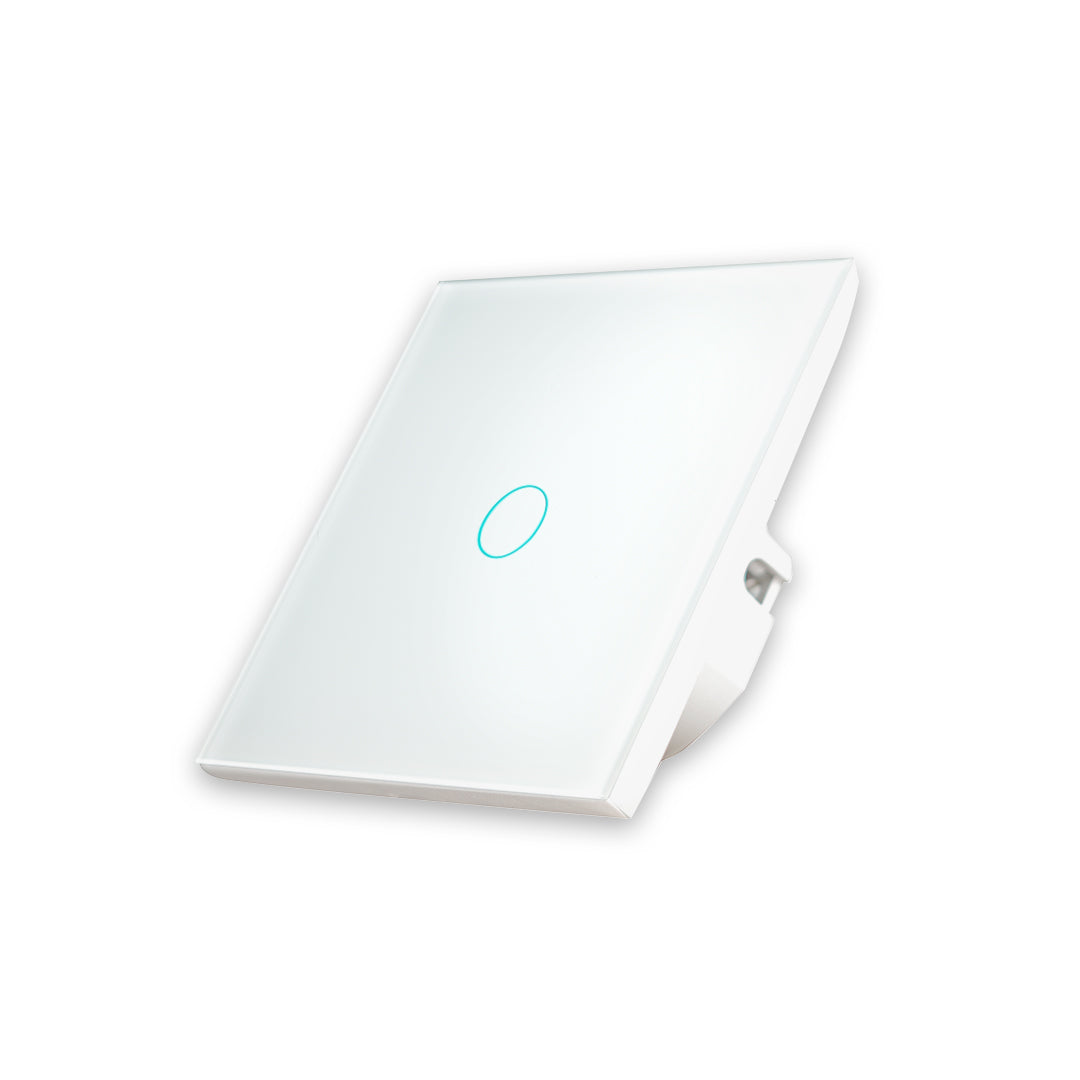
Módulo Smartify vPRO Zigbee de 1 canal com neutro

vPRO Zigbee — 1 channel

To control a group of light bulbs from a button.

See 1-channel module

Módulo Smartify vPRO Zigbee de 2 canais com neutro

vPRO Zigbee — 2 channels

To control two independent lighting groups.

See 2-channel module

Comando de cenários Smartify vPRO Zigbee de 1 botão

Scene controller vPRO

Alternative without relay for installations where you only need to send commands.

See scene controller

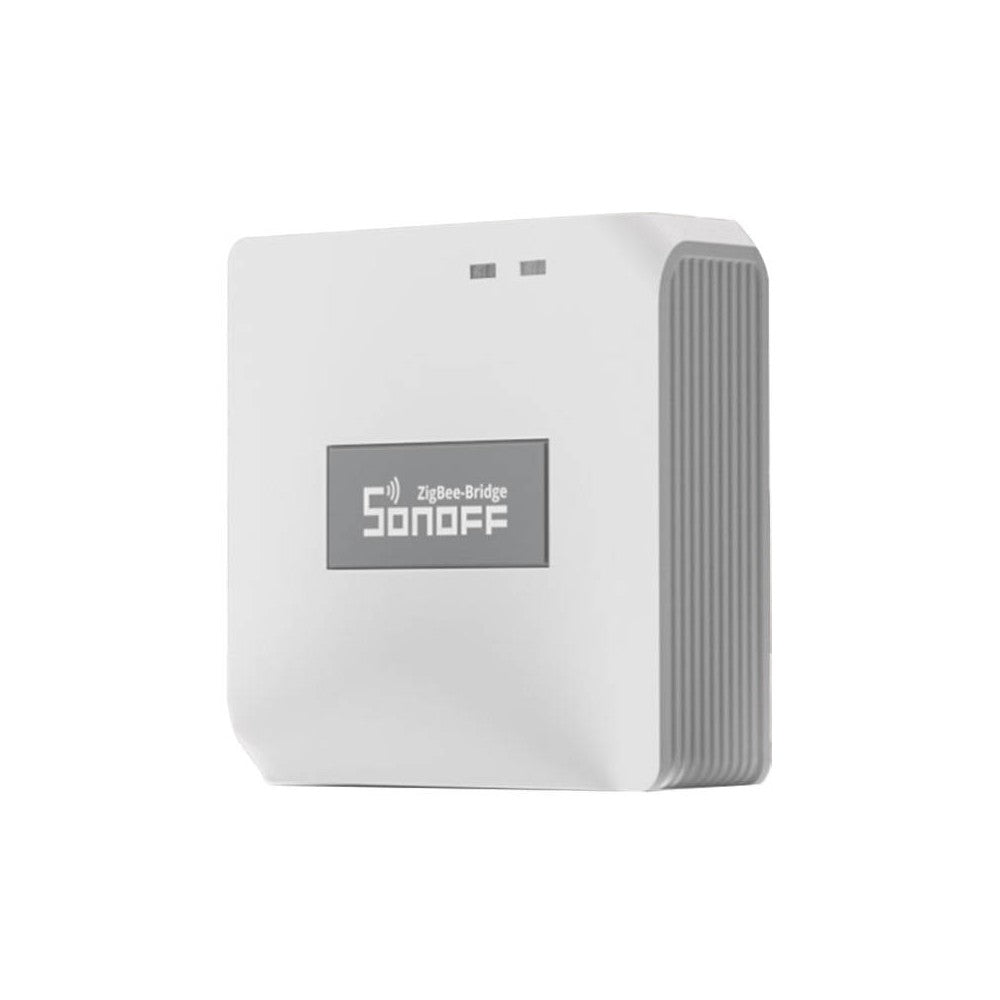
Hub multimodal Zigbee compatível com SmartLife e Tuya

Compatible Zigbee hub

Required to connect the Zigbee equipment to SmartLife or Tuya.

See Zigbee hub

What happens if the internet or the hub fails?

The light bulbs remain powered, but pressing the switch may stop executing the automation while the hub, network, or platform is unavailable. Therefore, this solution depends on the automation system for control by the button. The scene controller vPRO is the most direct option when the goal is just to send commands, without using a relay output.

Summary

  • Smart light bulbs must remain connected to the power.
  • The vPRO module with neutral remains powered and communicates via Zigbee.
  • Two automations reproduce the behavior of turning on and off.
  • The wiring change must be done by a qualified electrician.

If you have questions about the compatibility of your installation, talk to the Smartify team before making electrical changes.


Leave a comment

Do you have any questions?

Contact us!
📞 +351 93 223 30 33
📥 geral@smartify.pt

Best Sellers

View all
Smartify 1-button WiFi Smart Light Switch - White - Smartify - Smart Home - Smart Home - Domotica - Smart HomesSmartify 1-button WiFi Smart Light Switch - White - Smartify - Smart Home - Smart Home - Domotica - Smart Homes

Available for ✅ IMMEDIATE DELIVERY. 🚚 Receives 🇬🇧 Friday, October 30th

Smartify 2-Button WiFi Smart Light Switch - White - Smartify - Smart Home - Smart Home - Domotica - Smart HomesSmartify 2-Button WiFi Smart Light Switch - White - Smartify - Smart Home - Smart Home - Domotica - Smart Homes

Available for ✅ IMMEDIATE DELIVERY. 🚚 Receives 🇬🇧 Friday, October 30th

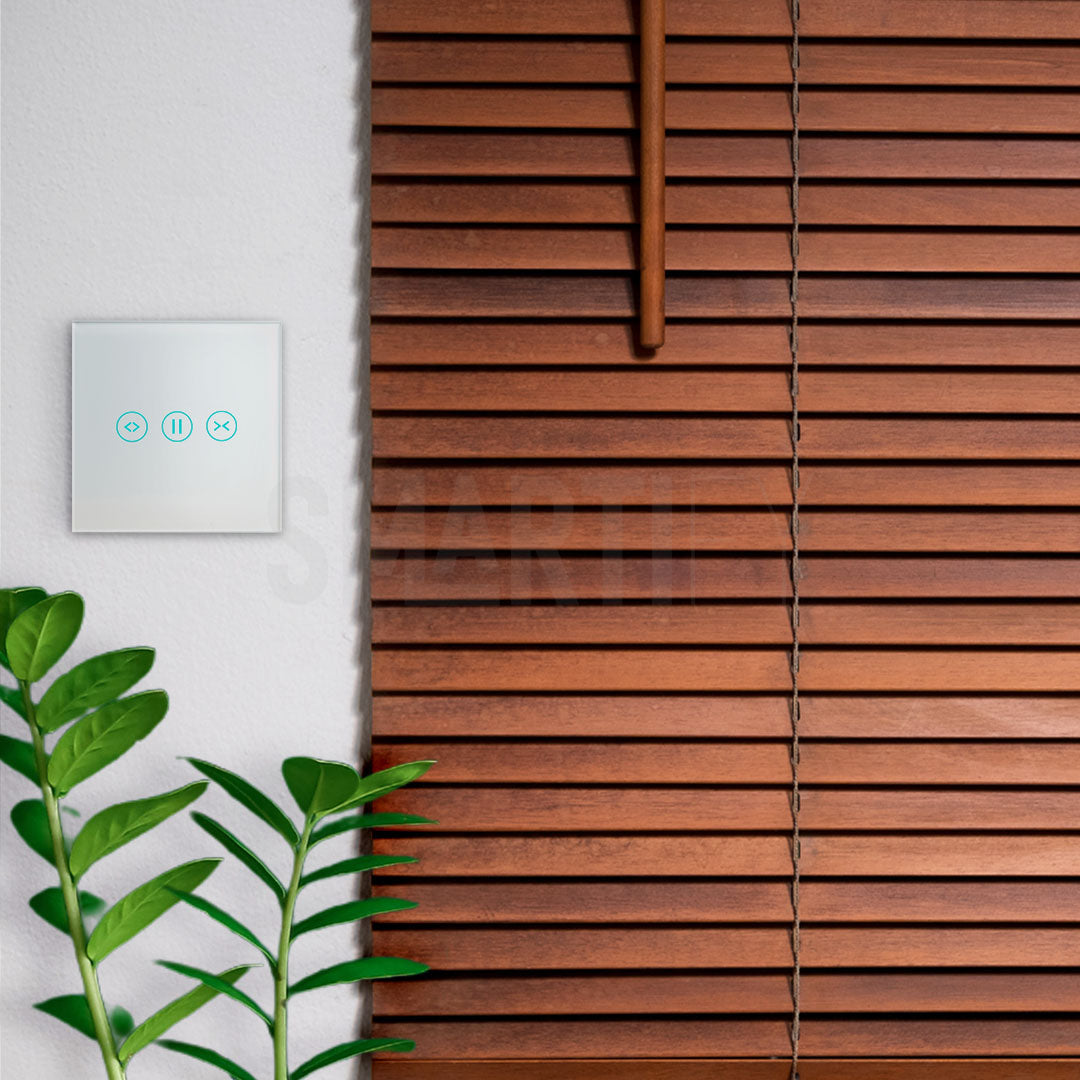
Smartify WiFi Smart Roller Shutter Switch - White - Smartify - Smart Home - Smart Home - Domotica - Smart HomesSmartify WiFi Smart Roller Shutter Switch - White - Smartify - Smart Home - Smart Home - Domotica - Smart Homes

Available for ✅ IMMEDIATE DELIVERY. 🚚 Receives 🇬🇧 Friday, October 30th

Save 11%
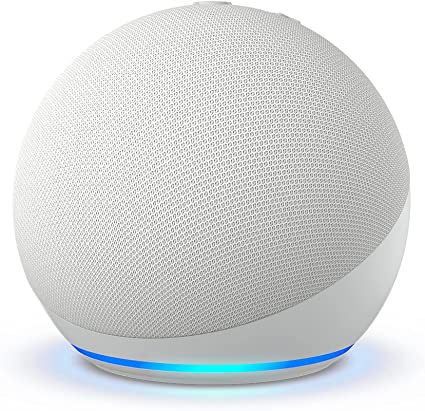
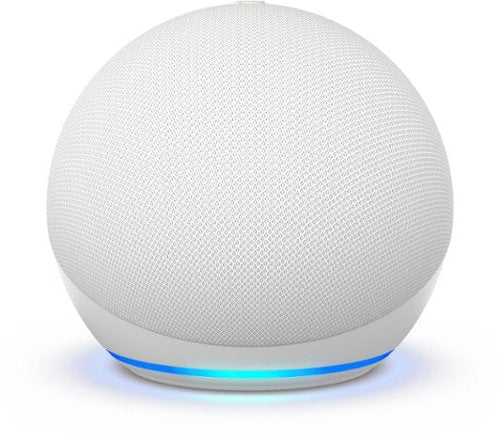
Amazon Alexa Echo Dot (Gen 5) - White - Smartify - Smart Home - Smart Home - Home Automation - Smart HomesAmazon Alexa Echo Dot (Gen 5) - White - Smartify - Smart Home - Smart Home - Home Automation - Smart Homes
Amazon Amazon Alexa Echo Dot (5th Gen) - White
Sale54,99€ Regular price61,99€

Available for ✅ IMMEDIATE DELIVERY. 🚚 Receives 🇬🇧 Friday, October 30th

Save 11%
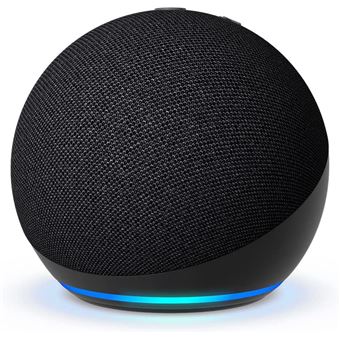
Amazon Alexa Echo Dot (Gen 5) - Black - Smartify - Smart Home - Smart Home - Home Automation - Smart Homes
Amazon Amazon Alexa Echo Dot (Gen 5) - Black
Sale54,99€ Regular price61,99€

Available for ✅ IMMEDIATE DELIVERY. 🚚 Receives 🇬🇧 Friday, October 30th

Save 15%
Shelly 1 Mini Gen3 - Module for 1 button switch or garage door 8A WiFi/BTShelly 1 Mini Gen3 - Module for 1 button switch or garage door 8A WiFi/BT

Available for ✅ IMMEDIATE DELIVERY. 🚚 Receives 🇬🇧 Friday, October 30th

Save 10%
The Shelly 2PM Gen3 is a 2-channel smart switch with energy meter and roller shutter control via WiFi.The Shelly 2PM Gen3 is a 2-channel smart switch with energy meter and roller shutter control via WiFi.

Available for ✅ IMMEDIATE DELIVERY. 🚚 Receives 🇬🇧 Friday, October 30th

Save 18%
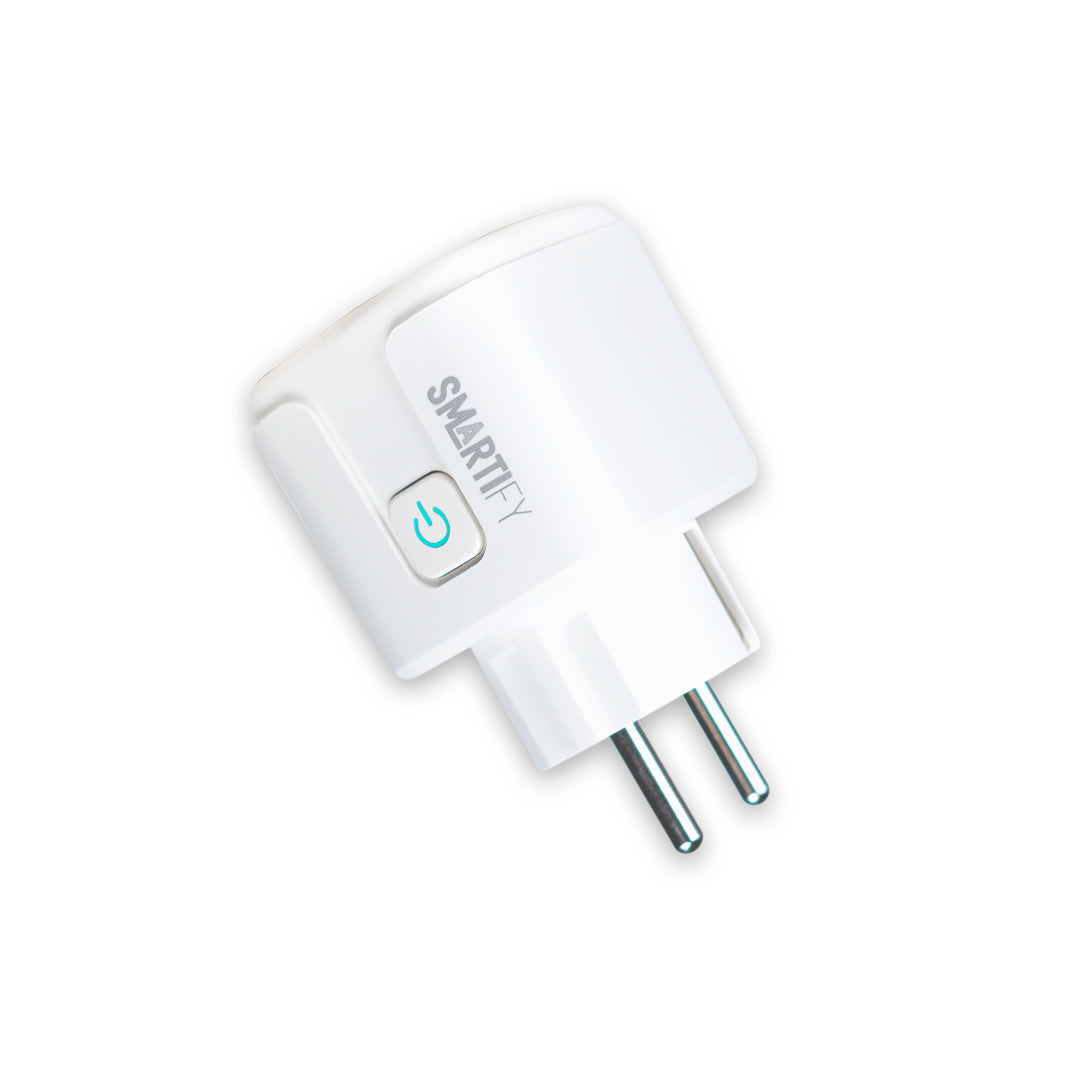
Portable Smart Plug 16A 3500W WiFi Smartify - Smartify - Smart Home - Smart Home - Domotica - Smart HomesPortable Smart Plug 16A 3500W WiFi Smartify - Smartify - Smart Home - Smart Home - Domotica - Smart Homes
Smartify Smartify 16A 3500W WiFi Smart Plug
Sale13,99€ Regular price16,99€

Available for ✅ IMMEDIATE DELIVERY. 🚚 Receives 🇬🇧 Friday, October 30th

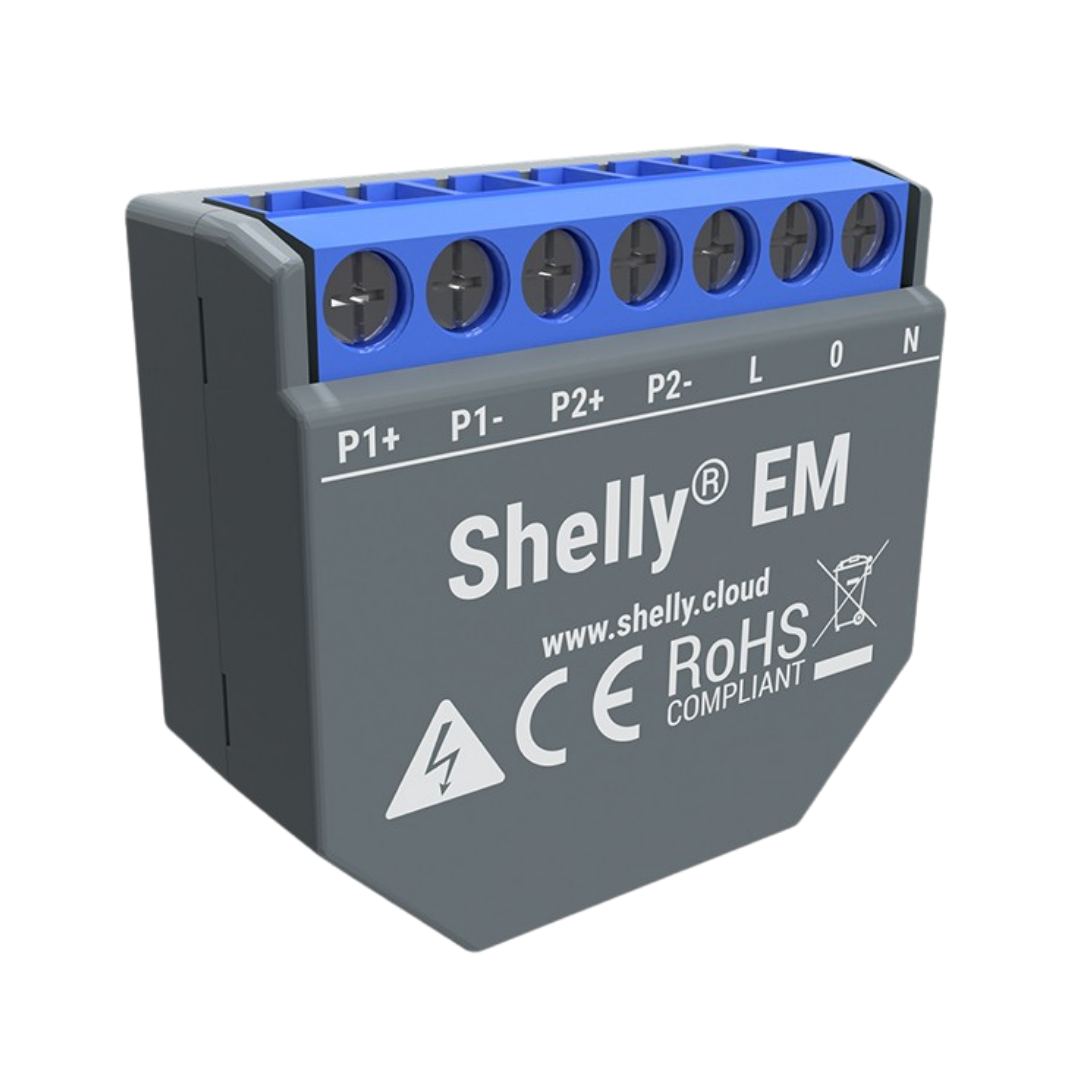
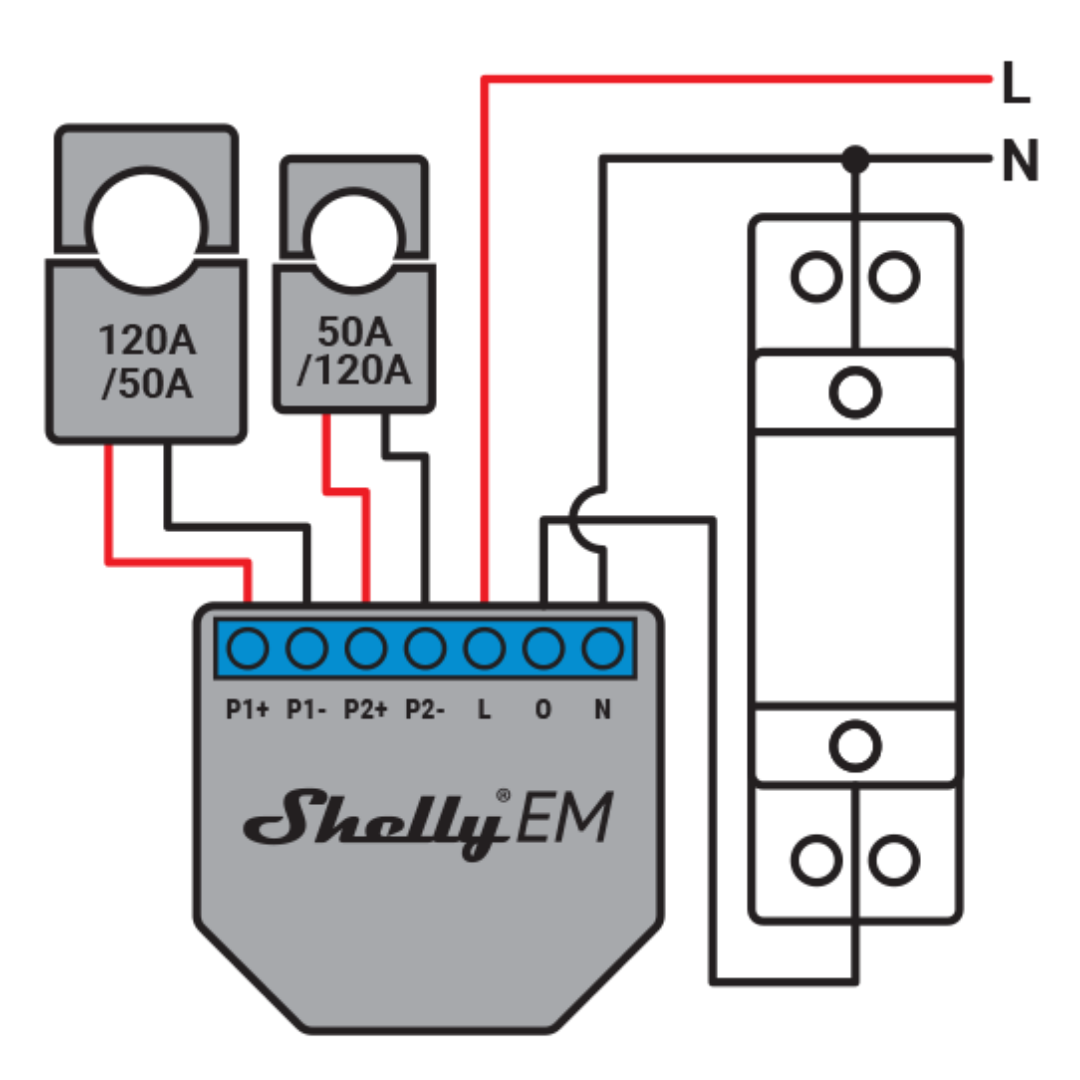
Shelly EM - WiFi module with dual energy meter + 50A clamp - Smartify - Smart Home - DomoticaShelly EM - WiFi module with dual energy meter + 50A clamp - Smartify - Smart Home - Domotica

Available for ✅ IMMEDIATE DELIVERY. 🚚 Receives 🇬🇧 Friday, October 30th

Save 9%
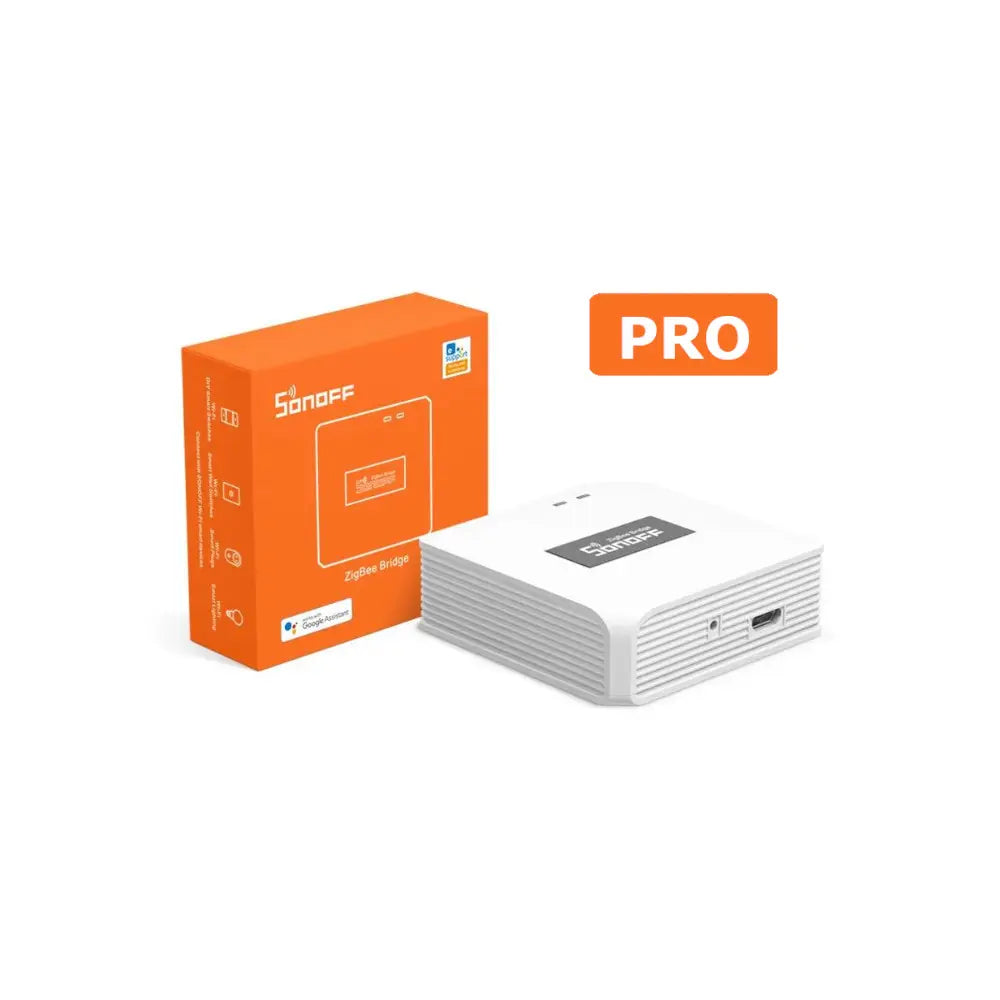
Sonoff Zigbee Bridge Pro - testSmartify - Smart HomeSonoff Zigbee Bridge Pro - testSmartify - Smart Home

Available for ✅ IMMEDIATE DELIVERY. 🚚 Receives 🇬🇧 Friday, October 30th

Save 11%
Amazon Alexa Echo Dot (Gen 5) - Blue - Smartify - Smart Home - Smart Home - Home Automation - Smart HomesAmazon Alexa Echo Dot (Gen 5) - Blue - Smartify - Smart Home - Smart Home - Home Automation - Smart Homes
Amazon Amazon Alexa Echo Dot (5th Generation) - Blue
Sale54,99€ Regular price61,99€

Available for ✅ IMMEDIATE DELIVERY. 🚚 Receives 🇬🇧 Friday, October 30th

Save 16%
50A current clamp (compatible with Shelly EM) - Smartify - Smart Home - Domotica
Shelly 50A current measurement core
Sale9,99€ Regular price11,89€

Available for ✅ IMMEDIATE DELIVERY. 🚚 Receives 🇬🇧 Friday, October 30th