
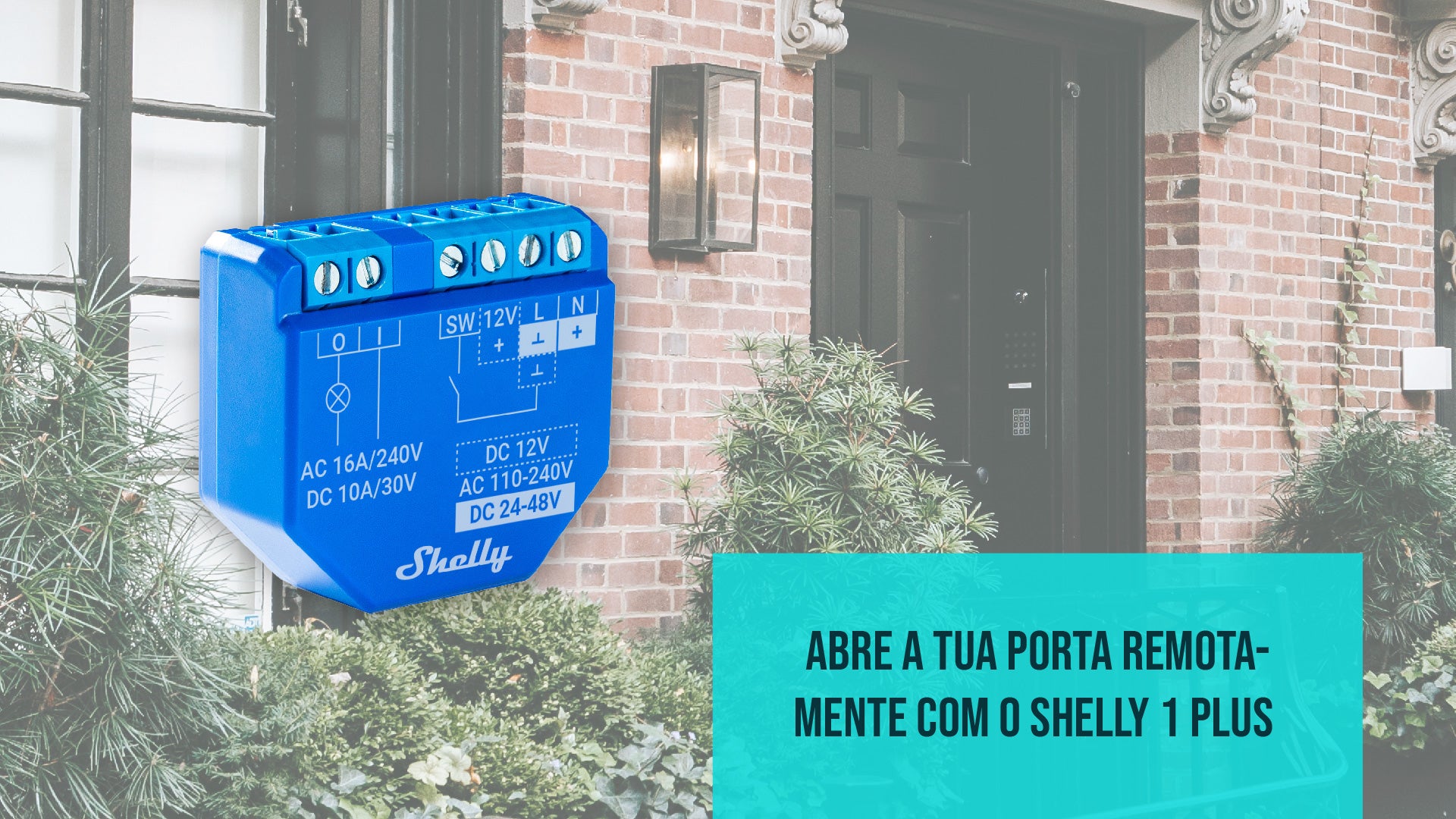
Shelly devices offer the opportunity for you to automate any product. One of the most popular applications is transforming your common door rim lock into a smart system.
Home automation is becoming more accessible and versatile, and the smart devices from Shelly play a fundamental role in this advancement. This brand is recognized as a leader in automation products, catering to both residences and industrial environments. Through the Shelly Smart Control app on your smartphone or with your virtual assistant, you can control lighting, roller shutters, sockets, and various other devices. Before we explore how to automate the door rim lock, it is essential to understand what Shelly is and get to know the available devices.
What is Shelly?
In the age of technology, the idea of a smart home has ceased to be a distant dream and has become a reality for many. Shelly is one of the brands that makes this possible, allowing families to transform their homes with ease and accessibility.
Shelly is a name that stands out in the world of home automation. It offers a wide range of smart devices that can be easily integrated into any home, regardless of the user's level of technological experience. What makes Shelly truly unique is its simplicity of use. Even if you are not a technology expert, Shelly allows you to transform your home into a smart space in an uncomplicated way.

Shelly's approach is user-centric, making home automation accessible to everyone. With a variety of devices designed to meet diverse user needs, Shelly offers smart solutions for lighting, roller shutters, sockets, and much more. Each device is designed to be easy to install and configure, ensuring that everyone can enjoy the benefits of a smart home.
In addition to ease of use, Shelly also stands out for its versatility. Shelly devices can be integrated into different smart home ecosystems, allowing for complete customization according to user preferences. This means you can adapt your smart home according to your specific needs, whether to save energy, increase security, or simply make your daily life easier.
Shelly is not limited to a single application; instead, it offers an open platform that allows integration with a variety of voice assistants and home automation systems. This means your Shelly smart home can be voice-controlled with assistants like Amazon Alexa or Google Assistant, providing a truly convenient experience.
Regardless of the size of your home or your automation needs, Shelly offers solutions that adapt to you. If you are taking your first steps in creating a smart home or you wish to expand an existing system, Shelly makes the process easy.
Explore the Shelly Range
Shelly provides a wide range of products for home automation, each with its own features. These devices were designed to make your life at home simpler and more convenient, providing control and customization.
Its portfolio covers smart relays, available in the Plus, Pro, and Z-Wave series, as well as a variety of smart sensors. These devices play a fundamental role in creating advanced and personalized smart homes.

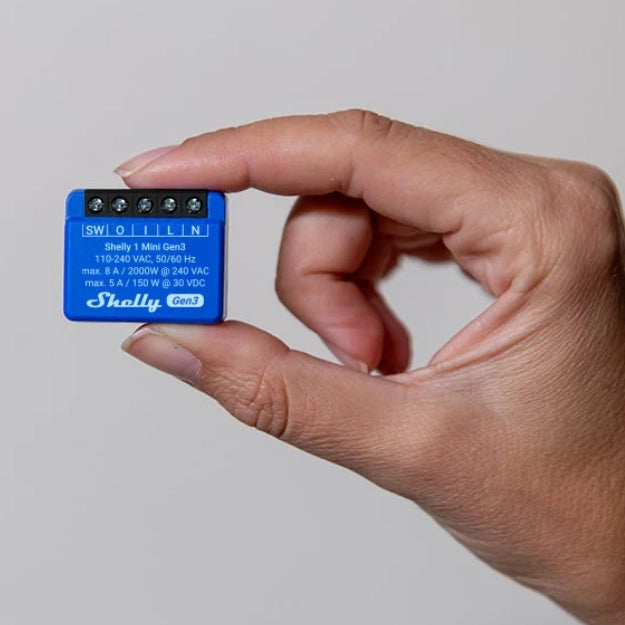
In the Shelly Plus series, we find smart relays notable for their versatility. They are designed to control a wide range of elements, from lighting systems to roller shutters and garage doors. Furthermore, these devices have switching and energy measurement features, which makes them valuable tools in optimizing energy consumption at home.
The products in the Shelly Pro series are intended for more demanding applications. With greater switching capacity and seamless integration with complex home automation systems, they are ideal for environments where advanced control is fundamental.
The Shelly Z-Wave series is a solid choice for those who want compatibility with the Z-Wave network. These devices can be easily integrated into existing smart home networks, providing a smooth and reliable operation.
In addition to smart relays, Shelly also offers a range of smart sensors. This includes motion sensors and door/window sensors, designed to improve the security and comfort of the home. They can be easily incorporated into home automation, offering exceptional customization and control.
Using the Shelly 1 Plus to automate the door latch
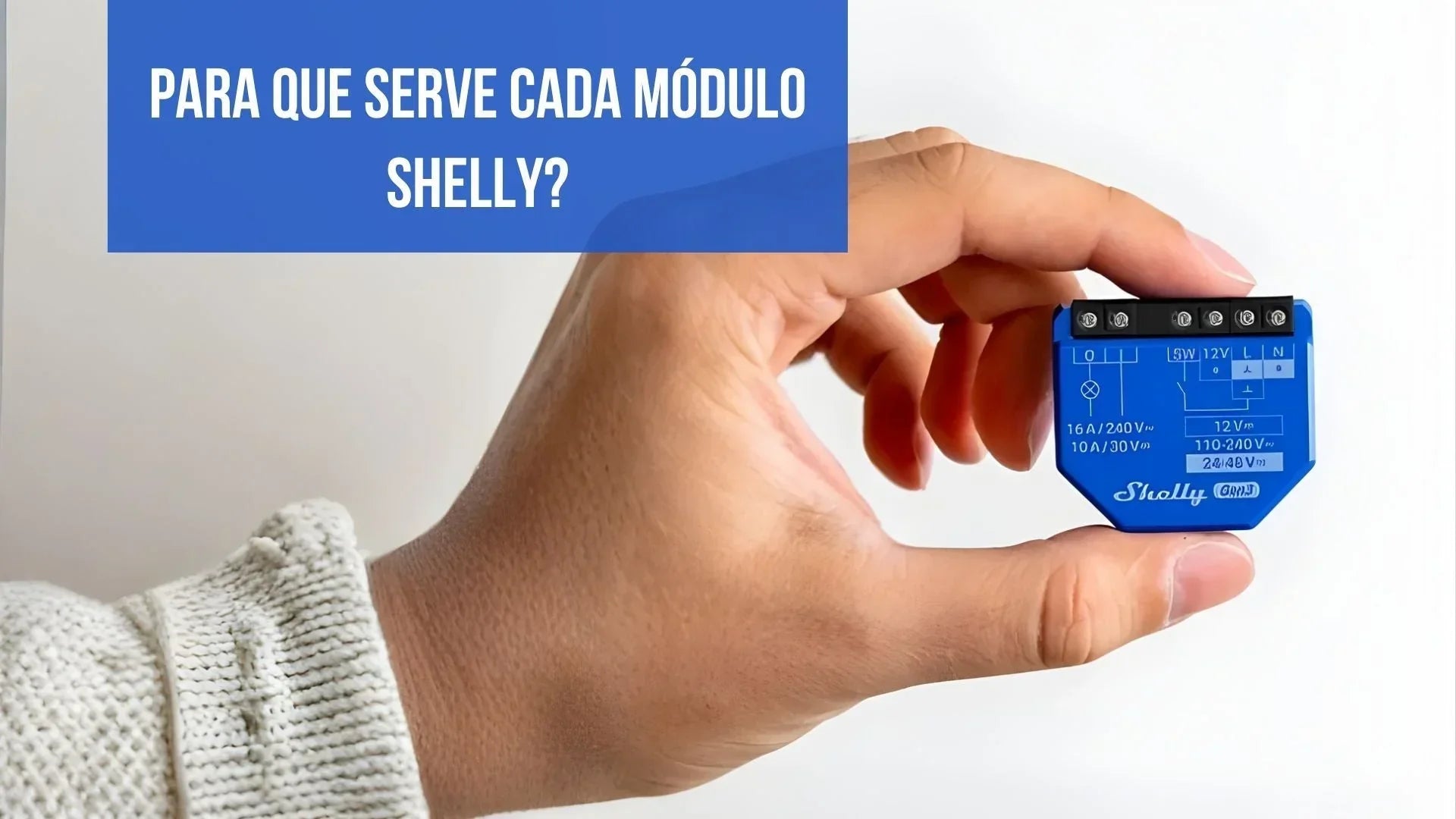
The Shelly 1 Plus is the solution to make the automation of your building or house door quick and uncomplicated. If you choose to install the Shelly 1 Plus in your intercom, it is essential to understand the steps necessary to ensure the success of this process. Let's explore, step by step, how you can configure and make the most of the Shelly 1 Plus functionality on your entrance door.
Start by running the power cables (live wire and neutral) from the junction box or a nearby socket to the intercom you wish to automate.
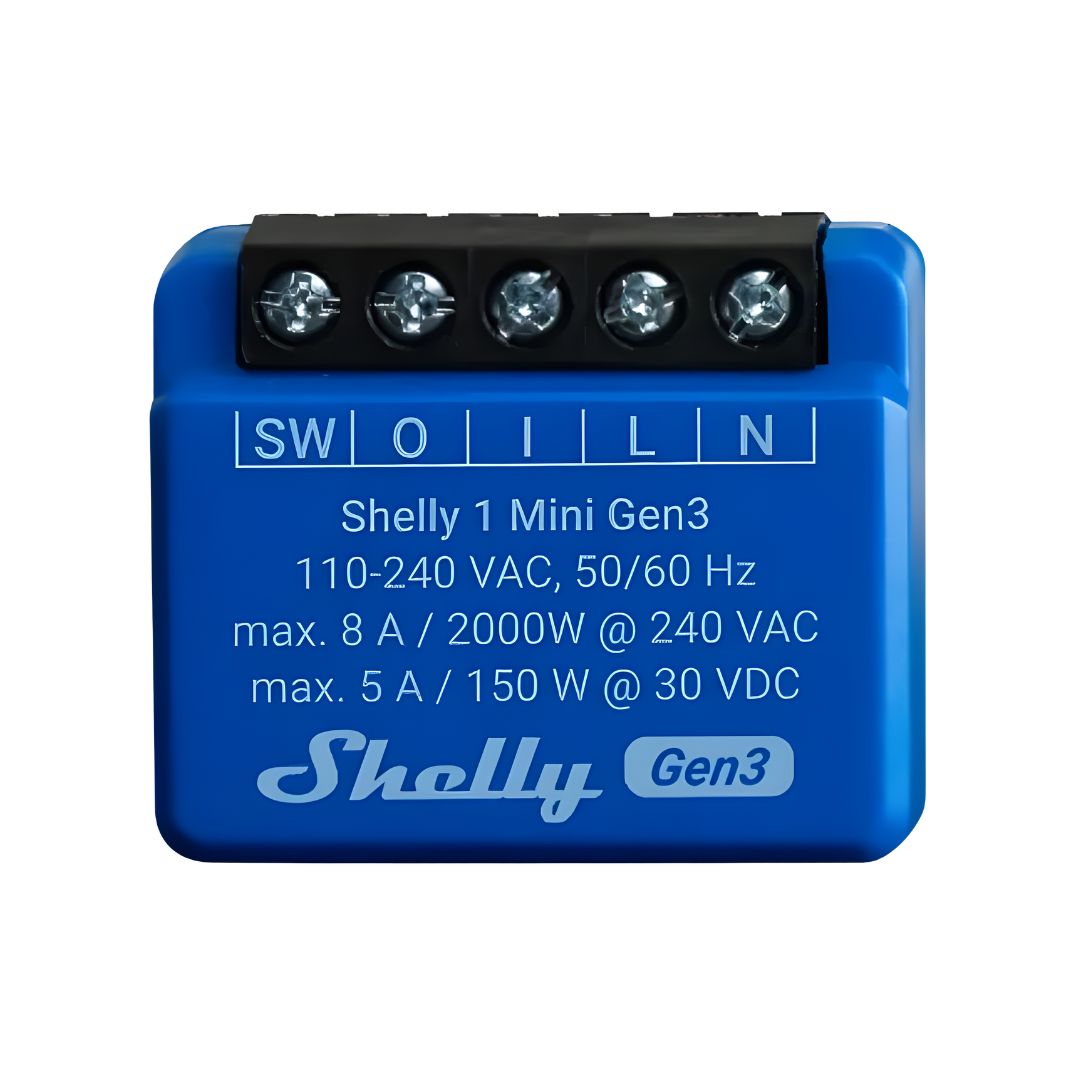
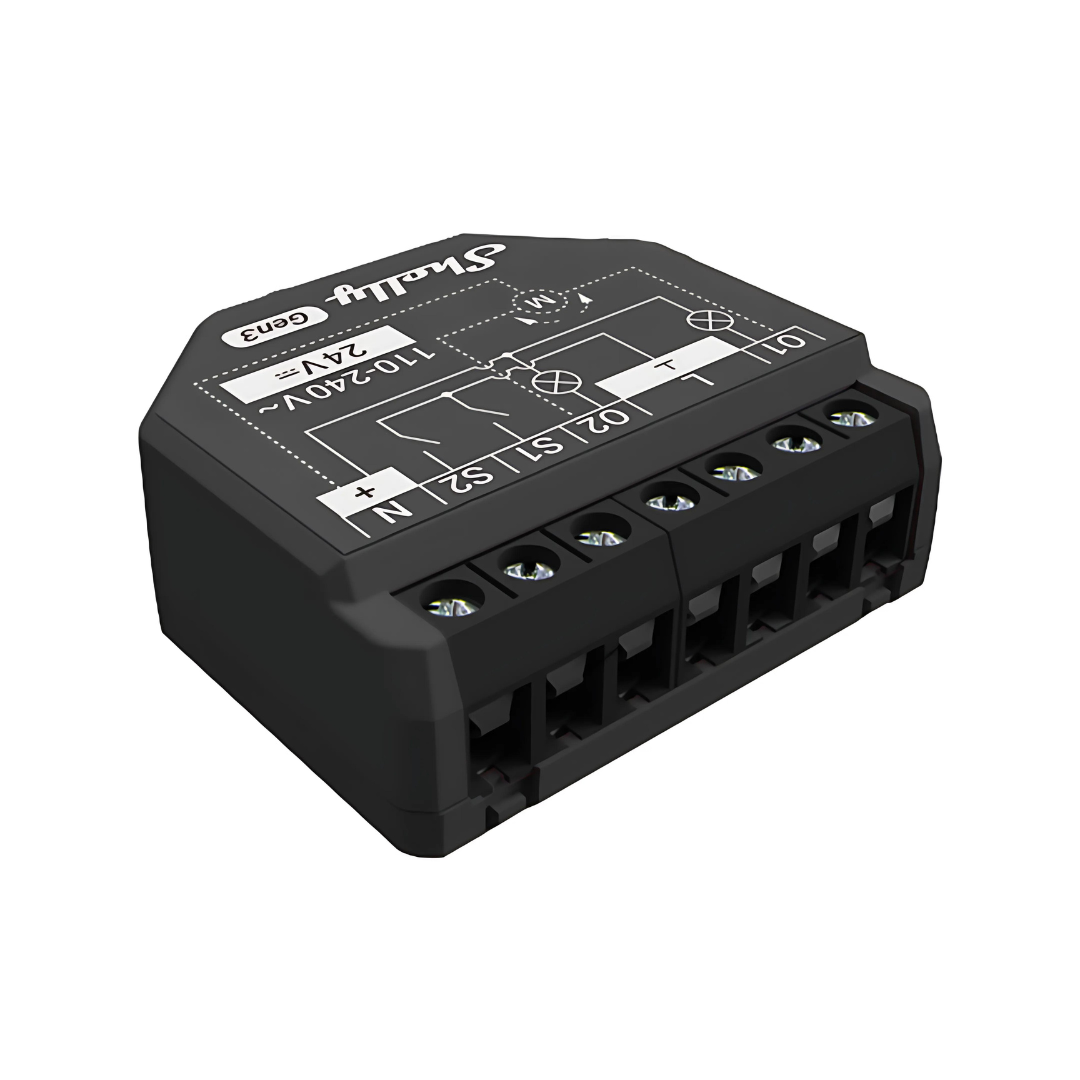
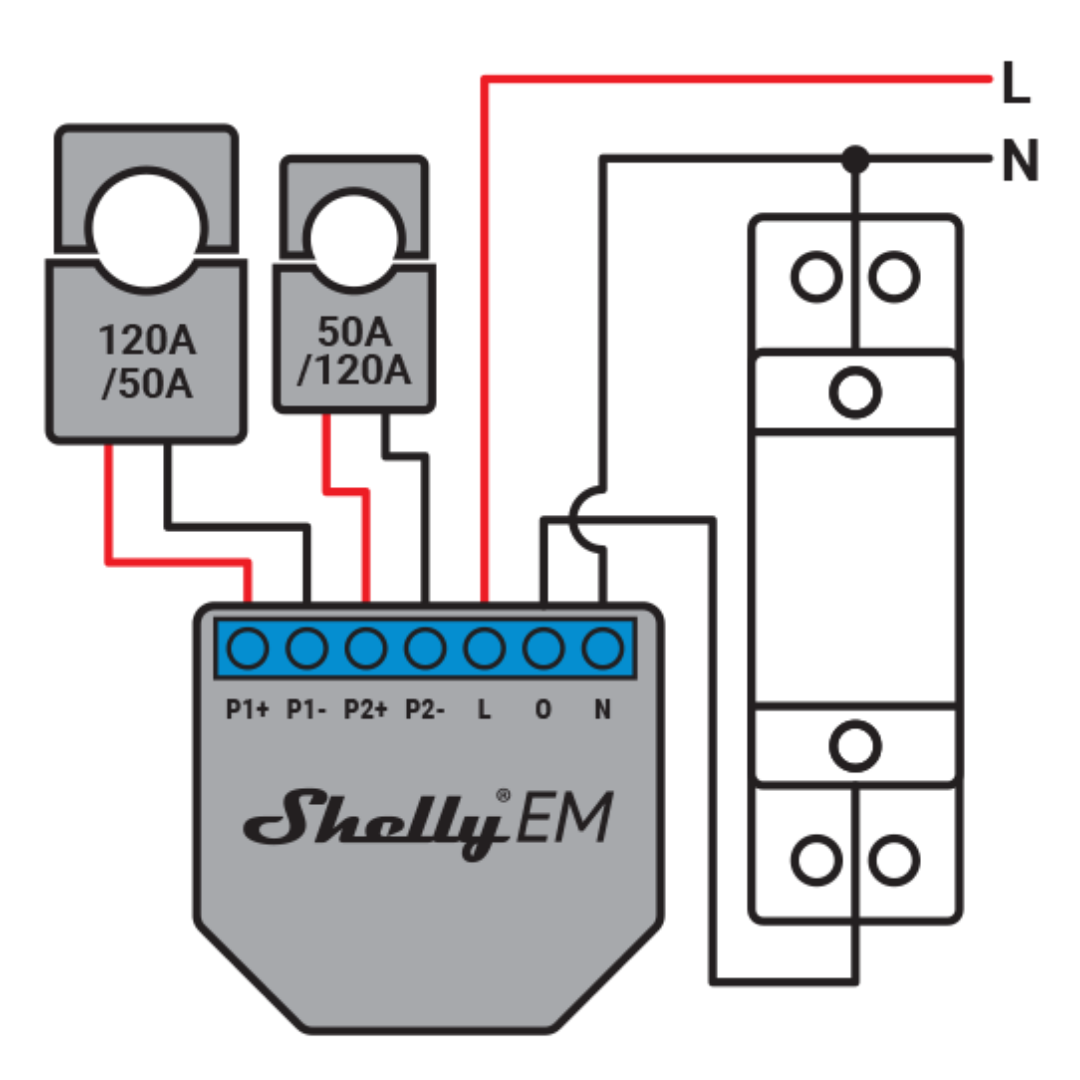
1. Connect the live wire to the "L" terminal of the Shelly 1.
2. Connect the neutral to the "N" terminal of the Shelly 1.
3. Identify the two cables that come from the intercom button and are responsible for triggering the building door.

4. Connect the cable that goes to the building door to the "0" terminal on the Shelly 1, while the other cable is connected to the "I" terminal on the Shelly 1.
5. Now, connect a second cable to the "I" terminal of the Shelly 1, which should be connected to the button of the intercom.
6. The last step involves connecting another cable from the intercom button, which will connect to the "SW" terminal of the Shelly 1.
Note: In some situations, it may not be possible to maintain the functionality of the original button due to low current, which the Shelly 1 will not be able to detect. In these cases, we recommend using only the smartphone and virtual assistant or purchasing a Shelly Button to place next to the intercom.
Now, with the Shelly 1 properly installed, you can control the building's entrance door in a convenient and smart way. If you want to know more about the Shelly product range or how they can be used to make your home smarter, talk to us. Home automation is more accessible and useful than ever, thanks to devices like the Shelly 1.
How much does it cost?
Understanding the costs associated with home automation is fundamental for anyone considering implementing the Shelly 1 Plus in their home. The products offered at the Smartify store, such as the Shelly 1 Plus, often feature attractive prices, frequently benefiting from regular promotions. Therefore, it is prudent to regularly monitor the prices of this device in the store, allowing you to always be aware of the best offers available.

However, when evaluating the total investment in your home automation, it is crucial to recognize that the main cost factor is often related to the installation process. Here, your choice between performing the installation yourself or hiring a qualified professional will play a significant role in determining the overall costs. Smartify also offers this service, accompanied by a free quote.
The importance of a proper installation cannot be underestimated. To ensure that the Shelly 1 Plus operates safely, effectively, and meets your needs, it is recommended to hire a qualified technician. These professionals have the specialized knowledge and experience necessary to perform the installation according to standards and best practices, ensuring that the device operates as expected and provides all the benefits of home automation.
Do I have to be at home to trigger the door?
The answer is no! The Shelly 1 works with the cloud, which is excellent news for anyone who wants to control a building's entrance door remotely. This means you can access and control the door from anywhere, as long as you have an internet connection. You don't need to be on the same WiFi network as the Shelly 1 to do this.

This is a significant advantage, especially if you are away from home and need to open the door for a guest, family member, or courier. The remote control capability of the Shelly 1 makes it incredibly convenient and flexible. Additionally, you can use the Shelly app on your smartphone or even with virtual assistants, such as Amazon Alexa and Google Assistant, to trigger the entrance door effortlessly.
We are here for you!
Any more questions about home automation and other smart devices? Get in touch with us now and we will be happy to clarify all your questions about home automation.
Now, you are one step further towards having a smart home fully customized according to your preferences.




3 reviews
Manuel sousa
Boa tarde
Gostaria de utilizar o sistema shelly num intercomunicador Fermax para abertura da porta do prédio
Onde posso contatar um profissional para a montagem, zona de Vila Real de Santo António (Monte Gordo)?
Obrigada
Maria José Silva
Boa noite
Gostariamos de utilizar o sistema shelly
Para abertura do portão. Onde posso contatar um profissional para a montagem?
Obrigada
João Paulo
Boa noite
Caso não tenha intercomunicador , mas só botão de trinco de abertura de porta da rua, dá para instalar?
É um prédio antigo sem intercomunicadores só campainha e botão para abrir porta da rua.
Obrigado