
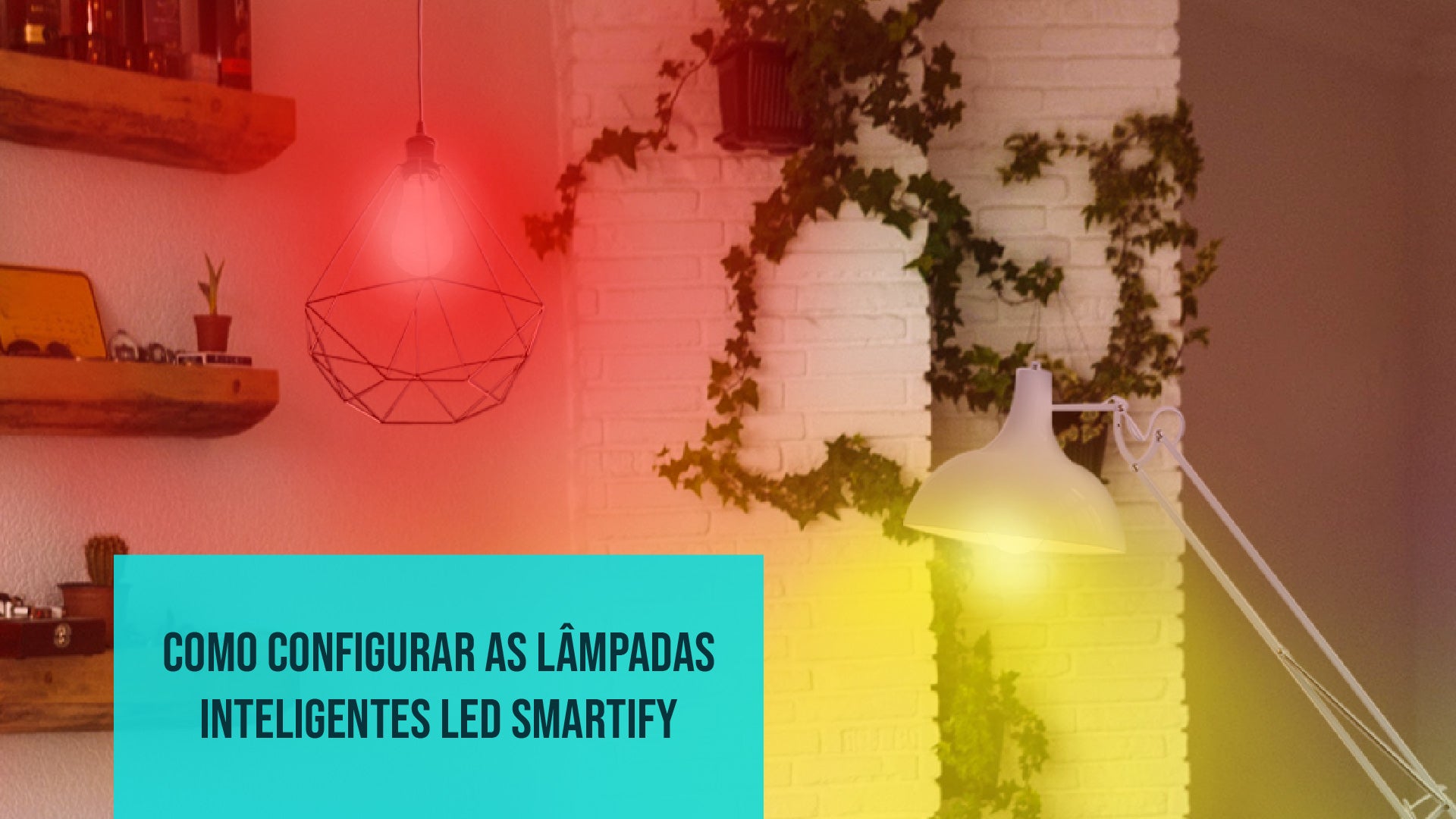
The installation and configuration of smart light bulbs may seem challenging, but the reality is very different.
Lighting plays a fundamental role in our daily life, shaping the way we perceive and interact with our space. The evolution of technology has brought us smart lighting, a revolution that goes far beyond simply turning the lights on and off. Among the countless options available, smart light bulbs stand out as an easy choice to acquire and use.
What is a smart light bulb?
A smart light bulb is much more than just a conventional light source. It is an innovative device that connects to your WiFi and can be controlled through your smartphone, tablet or even by voice commands, with your virtual assistant.

. Although smart light bulbs may resemble traditional light bulbs at first glance, their utility goes far beyond simple lighting of a space. When you incorporate a smart light bulb into your home, it plays multifaceted roles. These light bulbs have the ability to create the perfect environment, whether for studying with concentration or for livening up a party. Furthermore, they can be adapted to your daily life through features such as creating scenes and scheduling.
What can you do?
Smart light bulbs, such as those offered by Smartify, have fascinating features that include RGB properties, the ability to adjust light intensity, and the creation of personalized scenes.
The RGB (Red, Green, Blue) property allows you to customize the light color according to your preferences. You can choose from a wide range of colors, from soft and warm tones to create relaxing environments to vibrant and dynamic colors to liven up a party at home.

Furthermore, smart light bulbs allow you to adjust the light intensity. This means you can choose between a bright light for activities that require attention, such as reading, or a soft light for moments of relaxation. It is possible to create soft and relaxing night scenes, providing a pleasant experience during the night.
Another incredible feature is the ability to create personalized scenes. Imagine preparing a romantic dinner at home - with smart light bulbs, you can create a "Candlelight Dinner" scene with soft and warm light that surrounds the room. Later, if you want to watch a movie, you can select the "Cinema" scene, which adjusts the intensity and color of the light for a home cinema experience. This way, you can have a personalized lighting set for every occasion.

To exemplify, you can configure scenes like a "Birthday Party" with vibrant colors, a "Study Night" with neutral light for concentration or a "Relaxing Morning" with soft light to start the day peacefully.
What is it for?
The great advantage of smart light bulbs lies in their ability to create perfect lighting environments for every occasion. Whether you are relaxing in a cozy environment, working with bright lighting or creating a unique atmosphere for a party, smart light bulbs can adapt to your needs.
Additionally, these light bulbs can be controlled from anywhere in your home, or even remotely, through smartphone control with the Smart Life or Tuya application. Another notable advantage is the ability to control them through voice commands, with the help of virtual assistants like Amazon Alexa or Google Assistant. This means you can simply ask to execute any of the scenes that you previously defined, or even ask to adjust the desired color and intensity, with just a few words.
What types of light bulbs exist?
Smartify offers a variety of RGB-CTT smart LED light bulbs, each with a specific socket type to adapt to different lighting needs.

This is the most common and widely used socket type. The E27 light bulbs are easy to install and are ideal for a variety of applications, including lamps, wall lights and much more.
RGB-CTT Smart LED light bulb with E14 socket
These light bulbs have a candle shape and a thinner socket, known as E14. They are frequently used in lamps that require a lower power.
RGB-CTT Smart light bulb with GU10 socket
The sockets GU10 have a completely different format from the previous ones. These light bulbs are more compact and have two pins instead of a screw system. Normally, they are used to provide flush-mounted lighting, such as in ceilings, display cases, exhibitions, stairs and other environments.

RGB-CTT Smart light bulb with GU5.3 socket
The light bulbs with socket GU5.3 are very similar to the previous ones in terms of use and design, except for small differences in the shape of the pins. These are also ideal for flush-mounted lighting and are applied in similar contexts.
How to Configure the Smartify Smart light bulb
The installation of a smart light bulb is surprisingly simple. Just download the corresponding application, place the light bulb in the socket, follow some simple instructions and, in a matter of minutes, your home will be lit in a smart and personalized way.
Install one of the Applications
Start by installing one of the following applications on your mobile device: Smart Life (Android or iOS) or Tuya (Android or iOS) These apps will allow you to control your light bulb in a simple and intuitive way.
Prepare the light bulb
Insert your Smartify Smart light bulb into the corresponding socket that you want to illuminate. Turn on the switch.
Configuration Mode
If your light bulb doesn't start flashing automatically, don't worry. First, wait 10 seconds and then turn the wall switch off and on 3 consecutive times. The light bulb should start flashing.

App Configuration
Open the SmartLife or Tuya app on your mobile device. In the top right corner, you will find a plus icon (+). Click on it.
Choose the Category
In the app's side menu, choose the "Lighting" option and then "Light Source (WiFi)".
Follow the steps on the screen
Now, it will ask you to connect to your 2.4GHz WiFi network. Select your network and enter the password. Then, click "next" in the next 3 windows and, finally, select "flashing quickly". Now you just need towait for it to pair.
Renaming
Once finished, you can give your device a name. This will make it easier to control and identify the light bulb in the app.

Are you unable to pair?
The Smartify light bulb makes your home lighting more practical and personalized. However, if you face difficulties when configuring it, don't panic. Let's explore some simple solutions to deal with this setback.
Turn Off and On Again
It seems simple, but turning the light bulb off and on can solve many problems. First, turn off the power to the light bulb by cutting the power supply for 10 seconds. Then, turn it off and on again 3 times. Now follow the configuration steps again.
Try Slow Pairing
If you are unable to configure using the fast method, try the other pairing mode, where the light bulb starts flashing slowly. Here, continue to turn the light bulb on and off in intervals of three times until it starts flashing more slowly. Now, when following the configuration steps on your phone, select "flashing slowly".

In this configuration, you connect directly to the light bulb's WiFi. The app will direct you to your phone's settings page. In the available networks, you will find one that starts with "SmartLife_...". Click on that network and return to the app's configuration page.
Check WiFi Connectivity
To connect to any smart device you need a 2.4GHz connection. If your router is at 5GHz you will not be able to connect it to your smart light bulb.
You can access the router's management page to select the frequency mode. This page is usually indicated on the label under the router. After accessing the link, select the “Wireless 2.4 GHz” setting. If after this you cannot connect your switch, try disabling the 5 GHz network.
You also need to make sure that your connectivity is strong enough and the light bulb is within range of the network.
Revisit the Instructions
It may happen that you have skipped an important step during the initial configuration of your smart light bulb. Double-check the instructions provided with the light bulb. Make sure you follow each step carefully.
Contact Smartify
If all previous attempts fail, do not hesitate to contact Smartify technical support. We are here to help and can provide you with specific guidance based on your problem. You can also visit us at the Smartify physical store, bringing your light bulb so that our technicians can help you on the spot!
Always remembering that technology can have its challenging moments, but with patience and by following these tips, you will be able to light up your home smartly in no time.
We are here for you!
Any more questions about home automation and other smart devices? Contact us now and we will be happy to clarify all your questions about home automation.
Now, you are one more step forward towards having a smart home fully customized according to your preferences.




1 review
Ilmu Forensik
What advancement in lighting technology is described as going beyond simple on/off functionality?
Visit us S2 Akuntansi